Published by the JalTool Official Website.
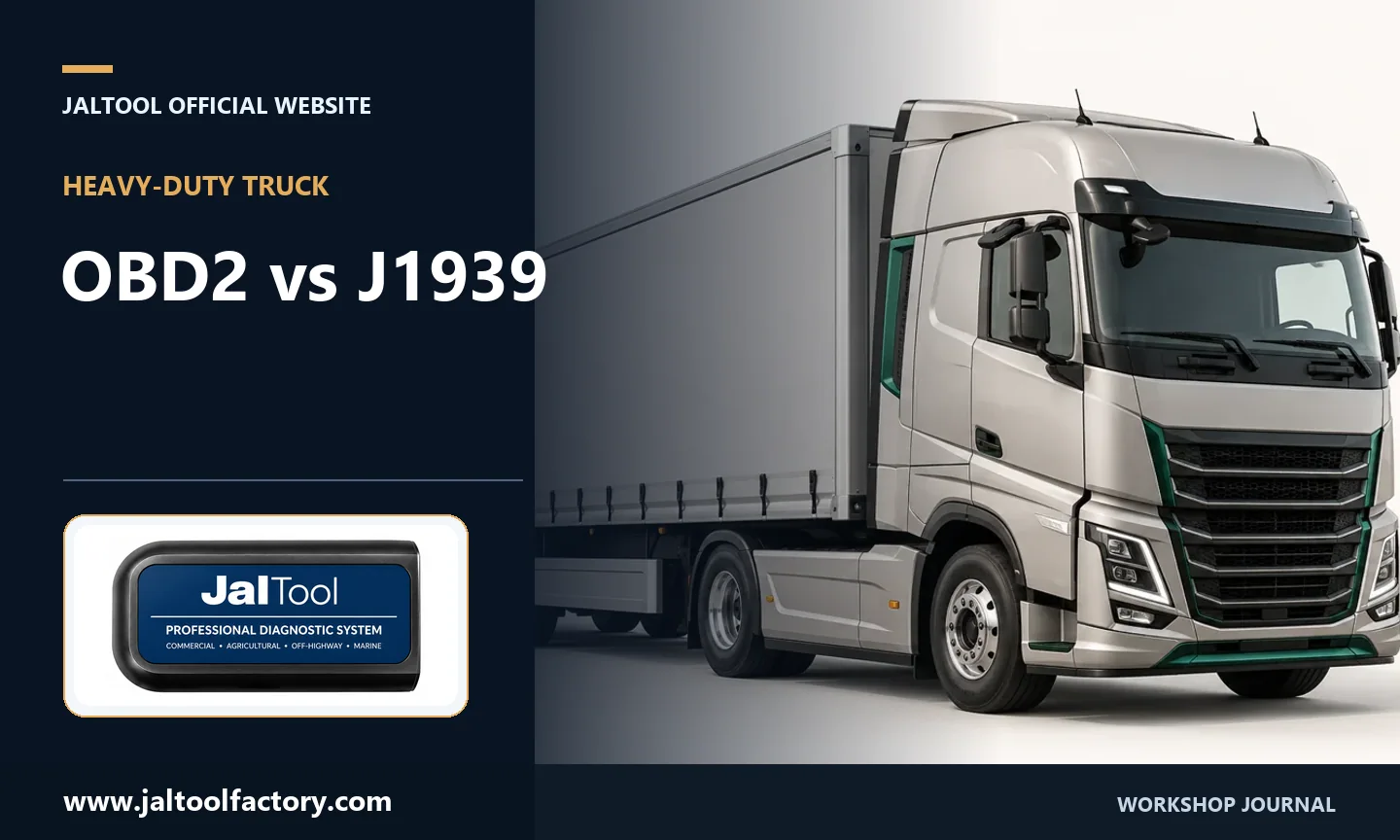
An adapter can make a connector fit without making the scanner understand the messages on the vehicle. Start with the network and diagnostic service the job requires. Then choose the connection and application that can identify the installed module and carry out that particular task.
Treat the connector as one layer
Identify the connector from the vehicle service information, not just its shape. Record the applicable communication standard and the tool's documented support. SAE J1939-73 describes diagnostic services in the J1939 family; the presence of a J1939 connection alone does not promise every tool can invoke a manufacturer's service function.
Ask for a result you can observe
For a basic code check, require the tool to return the intended ECU, code and status. For a deeper job, specify the measurements or service function. Plan to verify the cable, operating voltage and the exact equipment in the same session rather than buying an adapter first and discovering the software gap later.
| Item | Observation to save | Decision it supports |
|---|---|---|
| Physical connection | Confirm the documented connector and cable | Avoid assuming physical fit means valid access |
| Network | Identify the applicable communication service | Verify that the software supports it |
| Task | Name the controller and the result needed | Request a specific demonstration or coverage record |
Workshop example
A shop adapter fits the diagnostic socket and the interface powers up. The requested brake module is absent from the scan. Record power, protocol and application separately; the first observation does not prove either of the other two.
Check JalTool compatibility
For JalTool, give the vehicle, installed ECU, connector and target operation together. Ask which cable and activation match that combination.
Start with the JalTool vehicle coverage directory or send a compatibility inquiry. Related guide: Cable and adapter checklist.
Common question
Does a 16-pin socket mean a light-duty OBD2 reader is enough?
No. Use the service information to identify the network and supported services, then match the scanner to the required task.
Reference: SAE J1939-73 diagnostic services.
Product information and direct assistance at jaltoolfactory.com. Equipment and third-party names identify applications; they do not imply endorsement.
← More workshop guides