
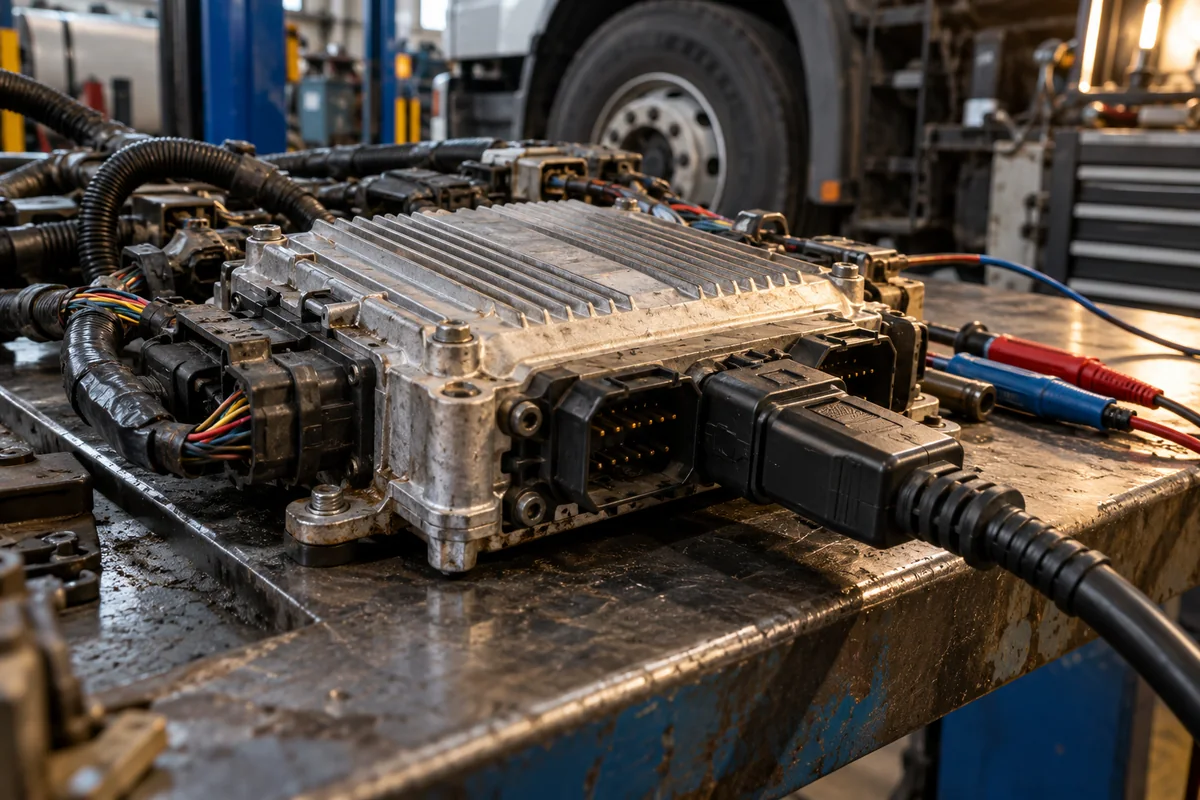
01
System identification & fault codes
Detect available electronic systems and inspect reported fault codes. Supported reading and clearing depend on the selected system.
JalTool functions
From fault identification to supported service procedures, JalTool brings diagnostic tasks into a clear workflow. Confirm the functions you need for your exact application.
Detect available electronic systems and inspect reported fault codes. Supported reading and clearing depend on the selected system.
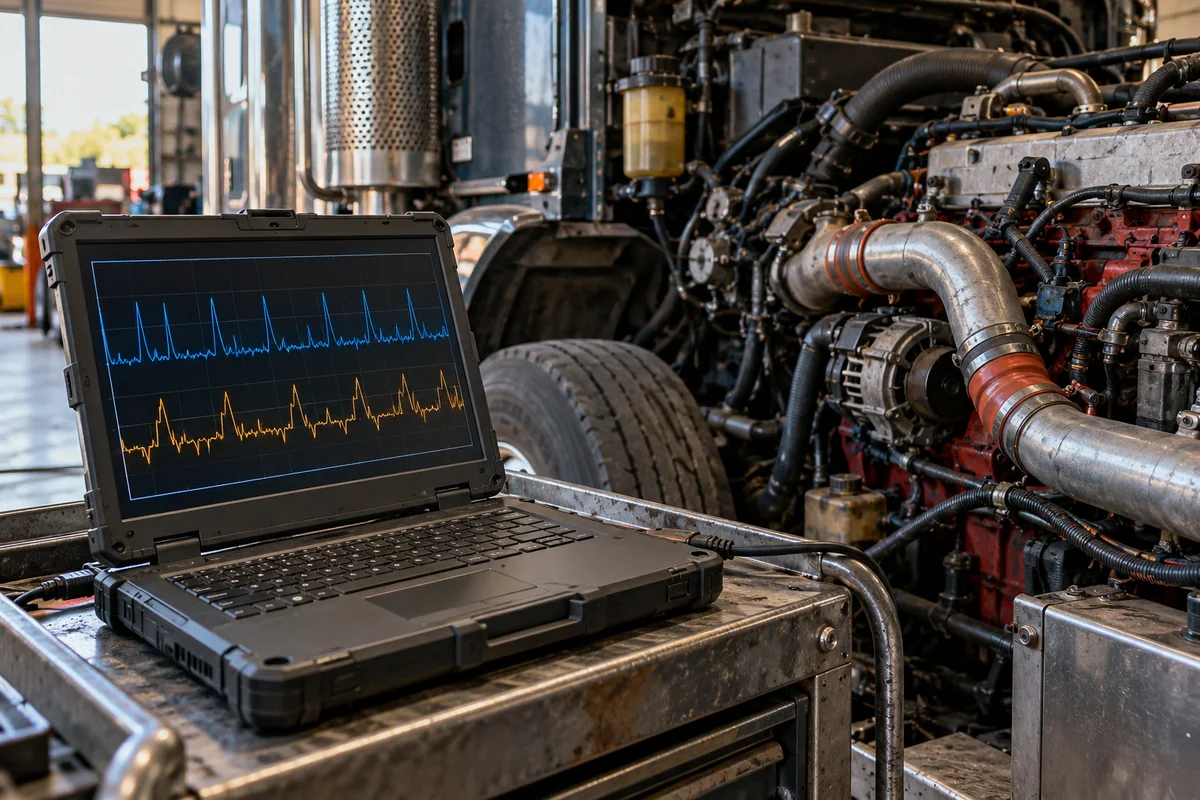
View available measurements and sensor information to help compare system behaviour with the relevant service information.
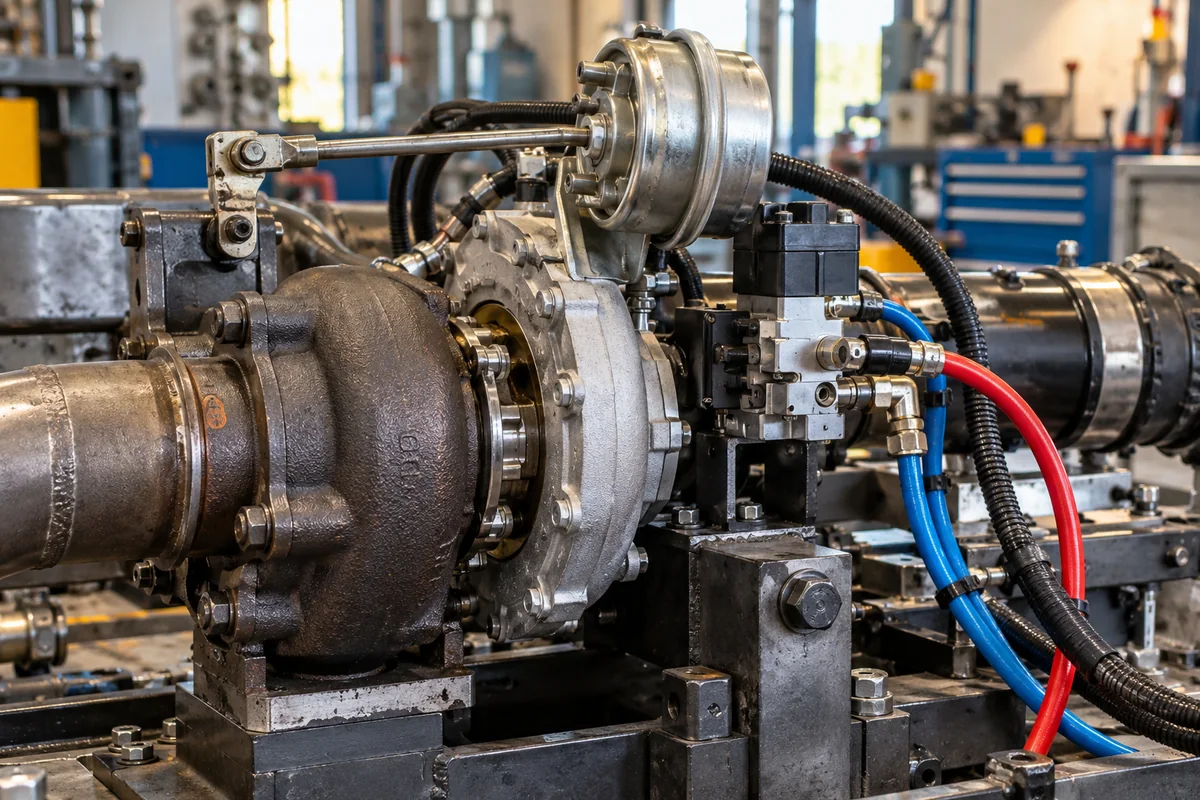
Command supported components during diagnosis. The correct preconditions and equipment service procedures apply.
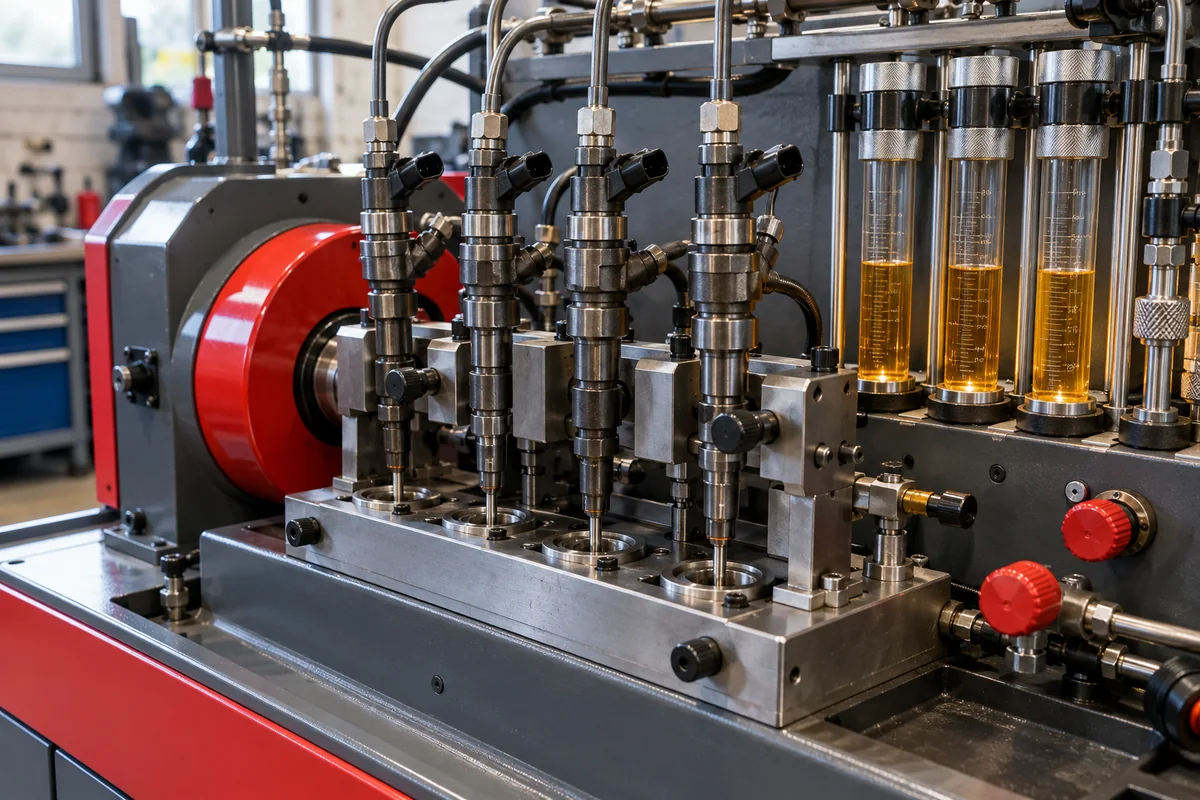
Carry out supported component adaptations and recalibration procedures after appropriate inspection or repair.
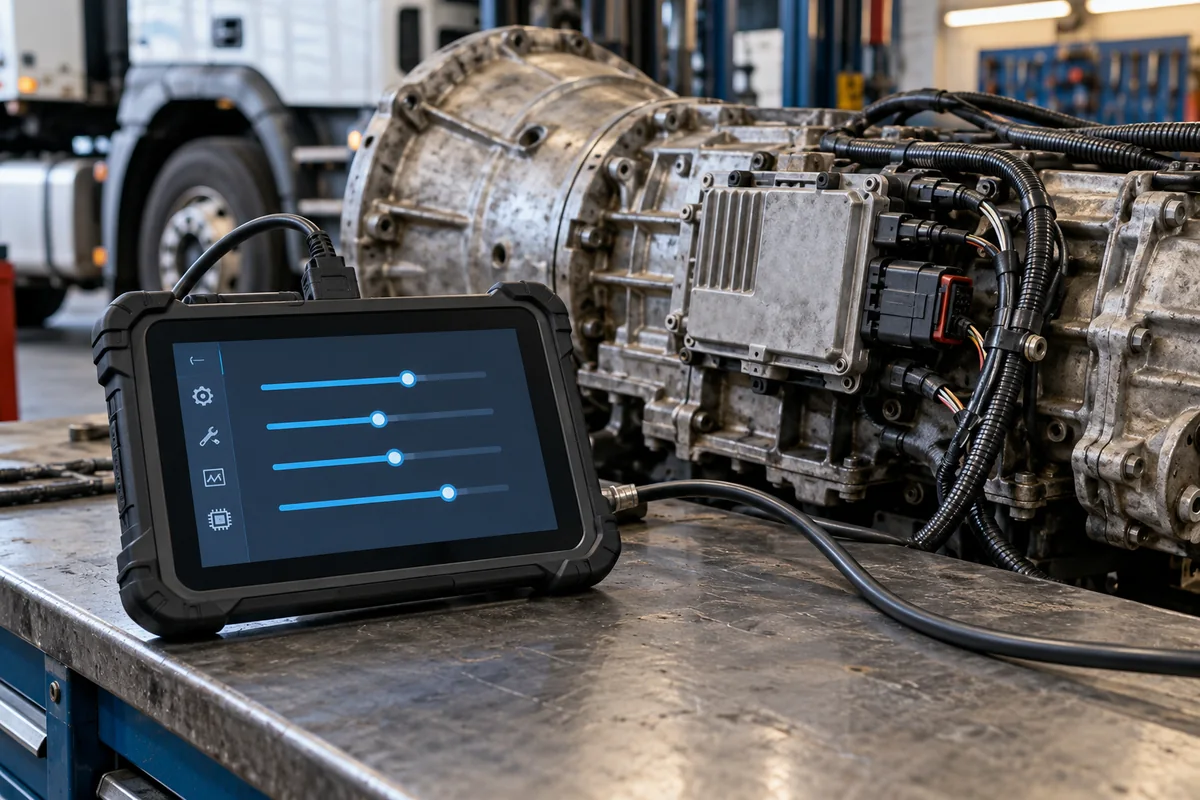
Access supported configuration parameters for the selected vehicle and control unit.
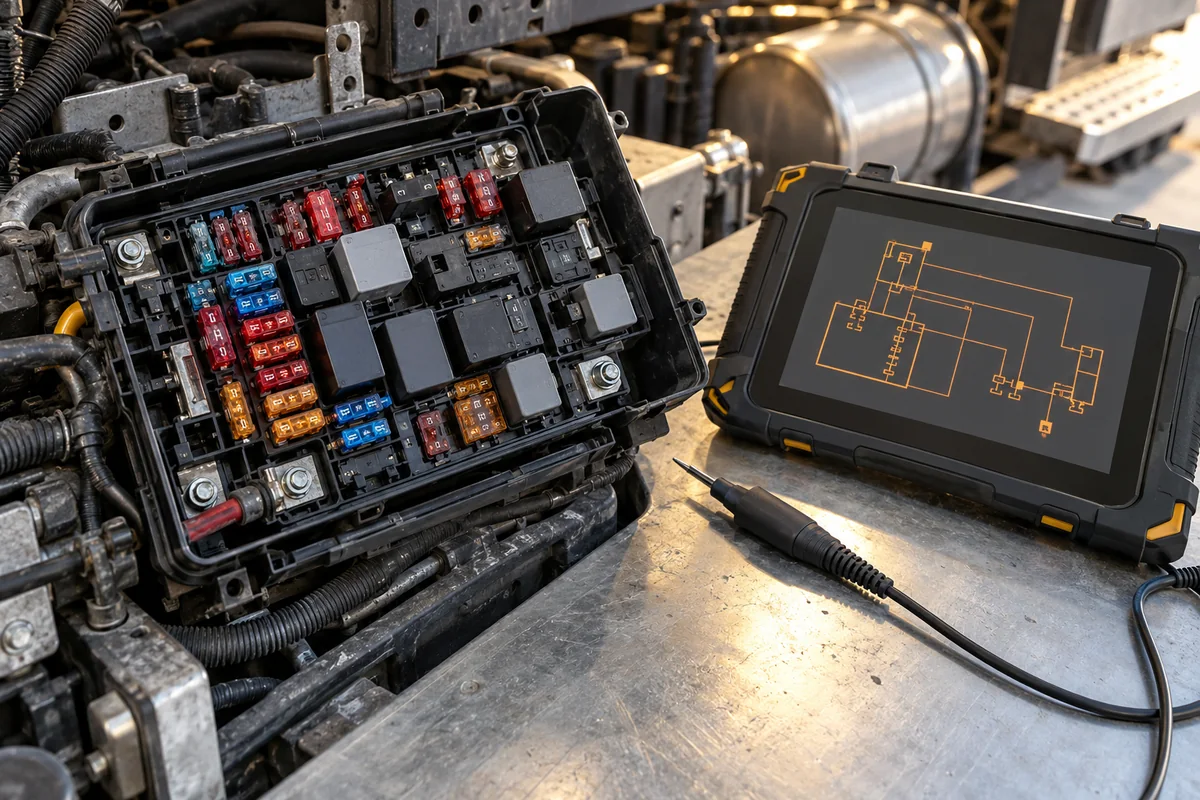
Consult the fault-code-based troubleshooting guidance available in the installed configuration.
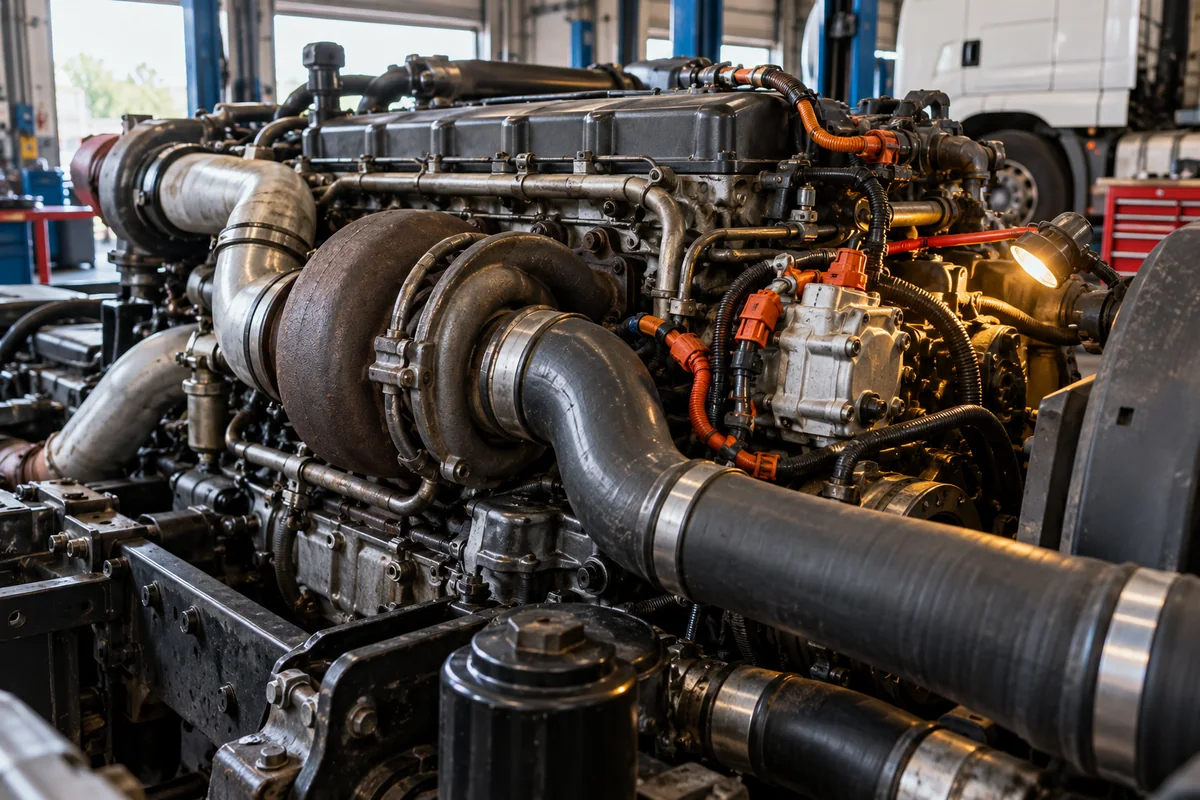
Use available symptom-based information to organize a diagnostic investigation.
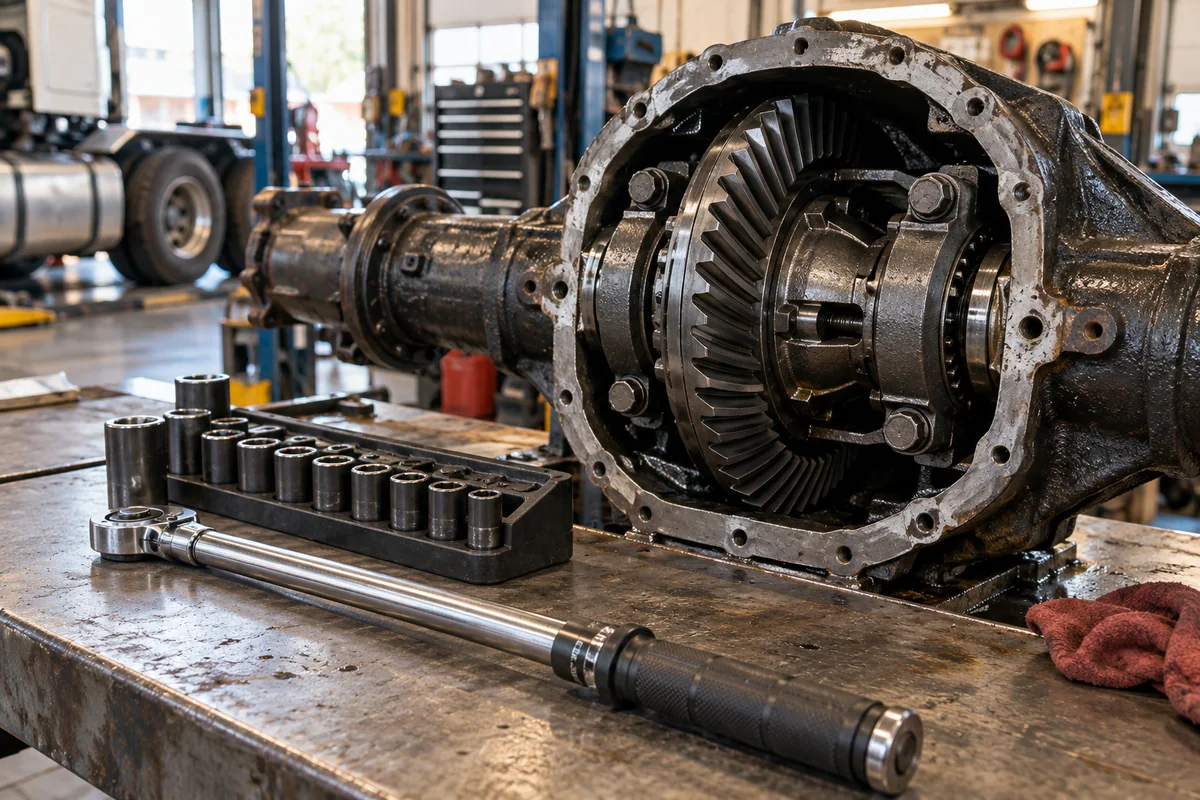
Refer to available service procedures and technical information for the selected application.
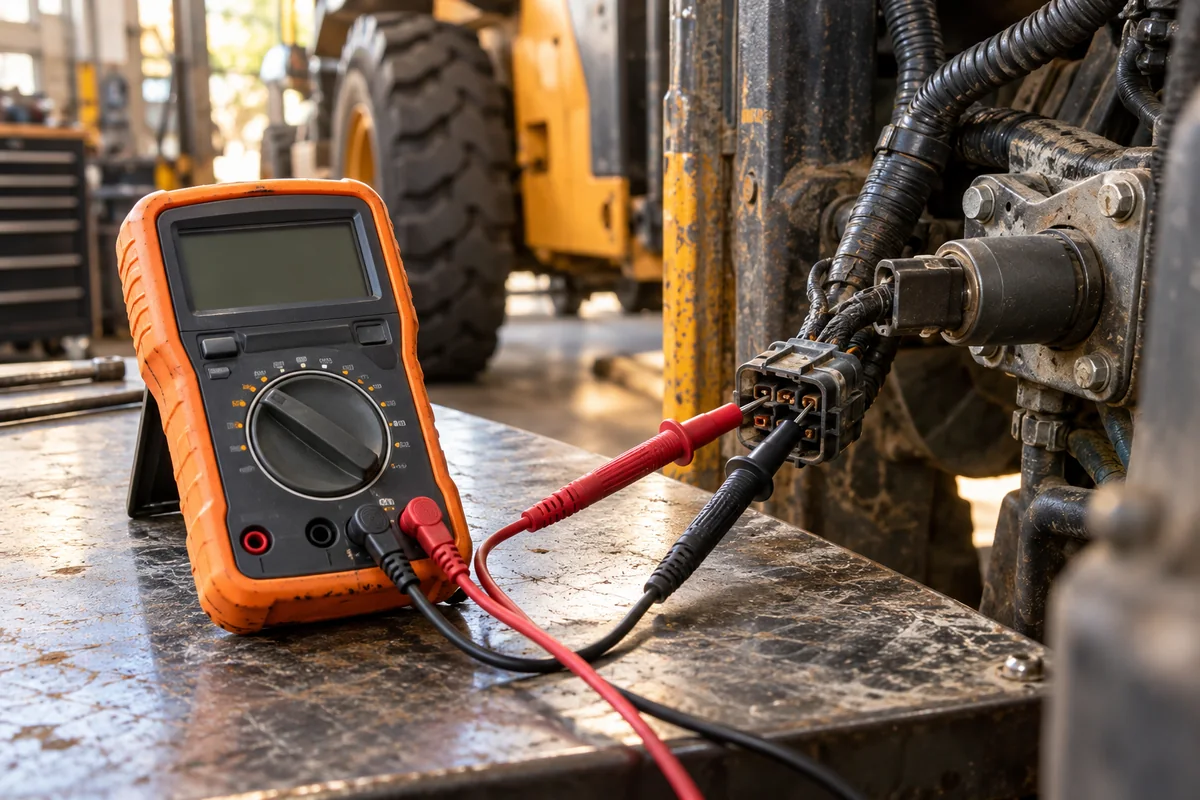
Use the supported manual diagnostic routes when available for a system or application.
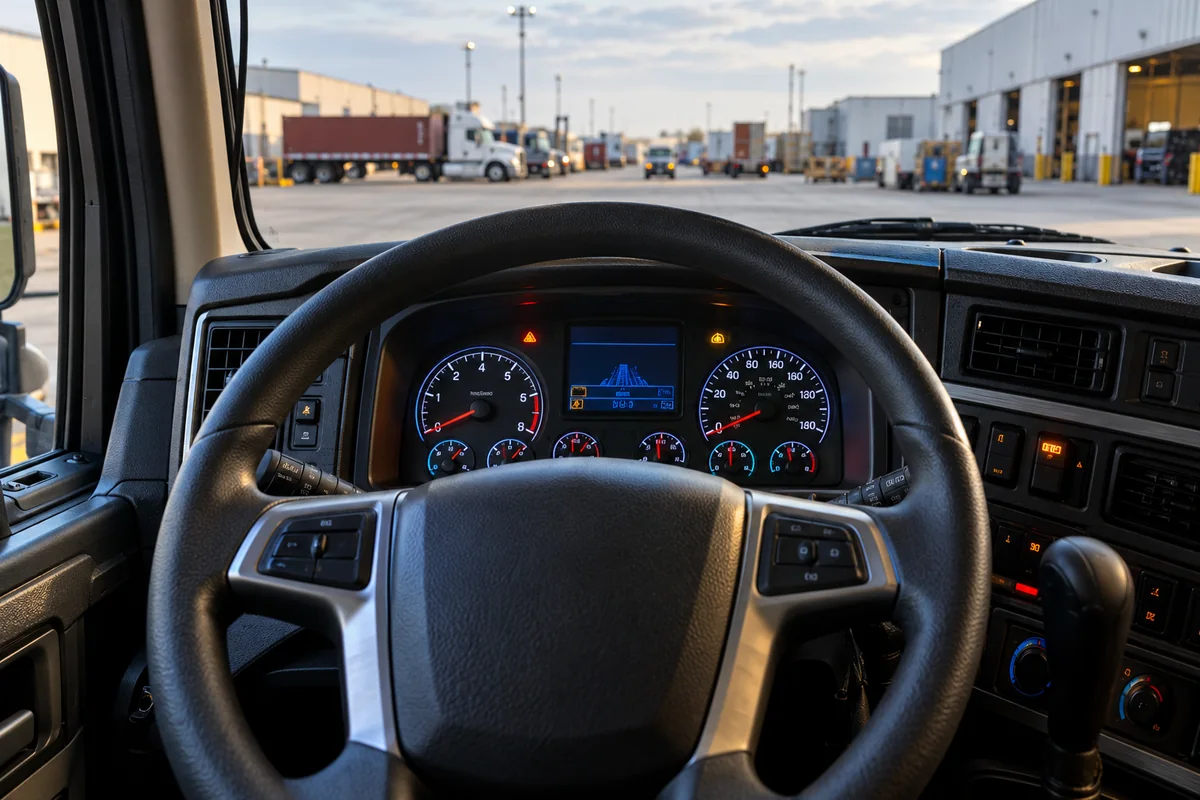
Inspect supported vehicle operating-time and fuel-use information in the commercial vehicle module.
Application matters
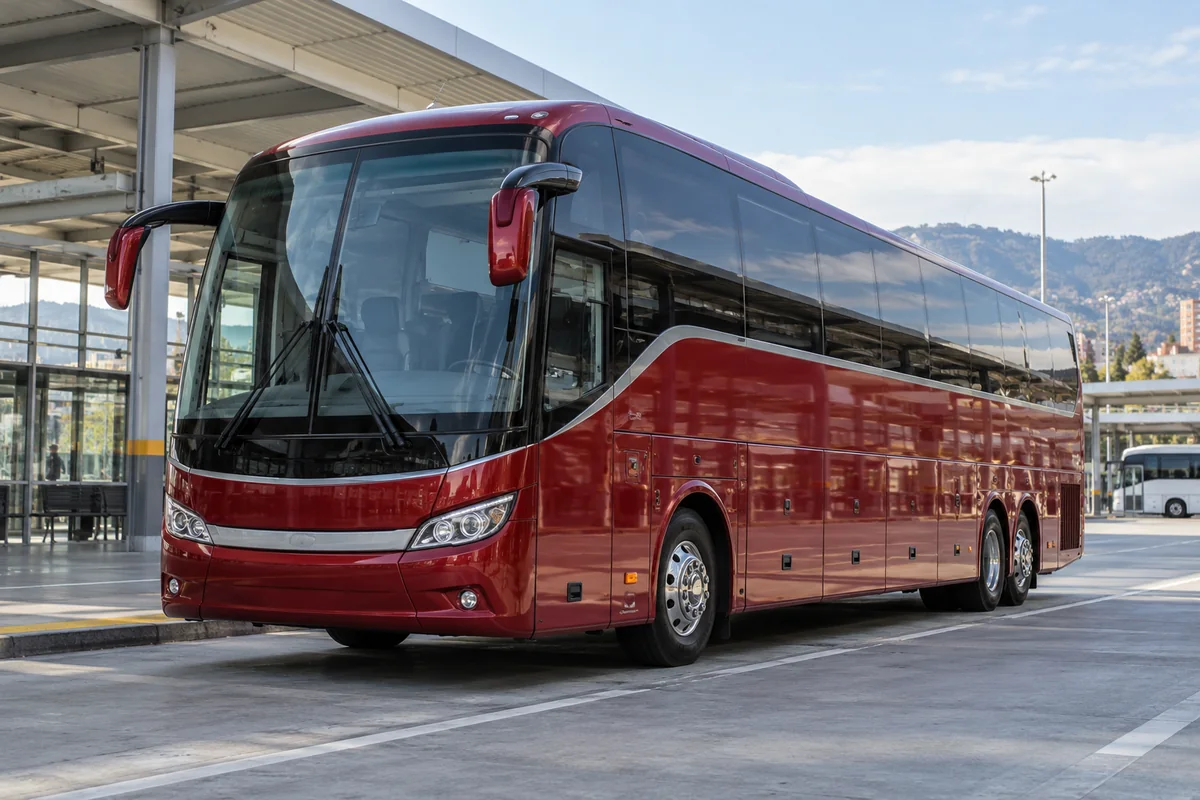
Supported DPF regeneration, cylinder cut-out tests and injector coding. Commercial vehicle tasks require confirmation against the engine and ECU.
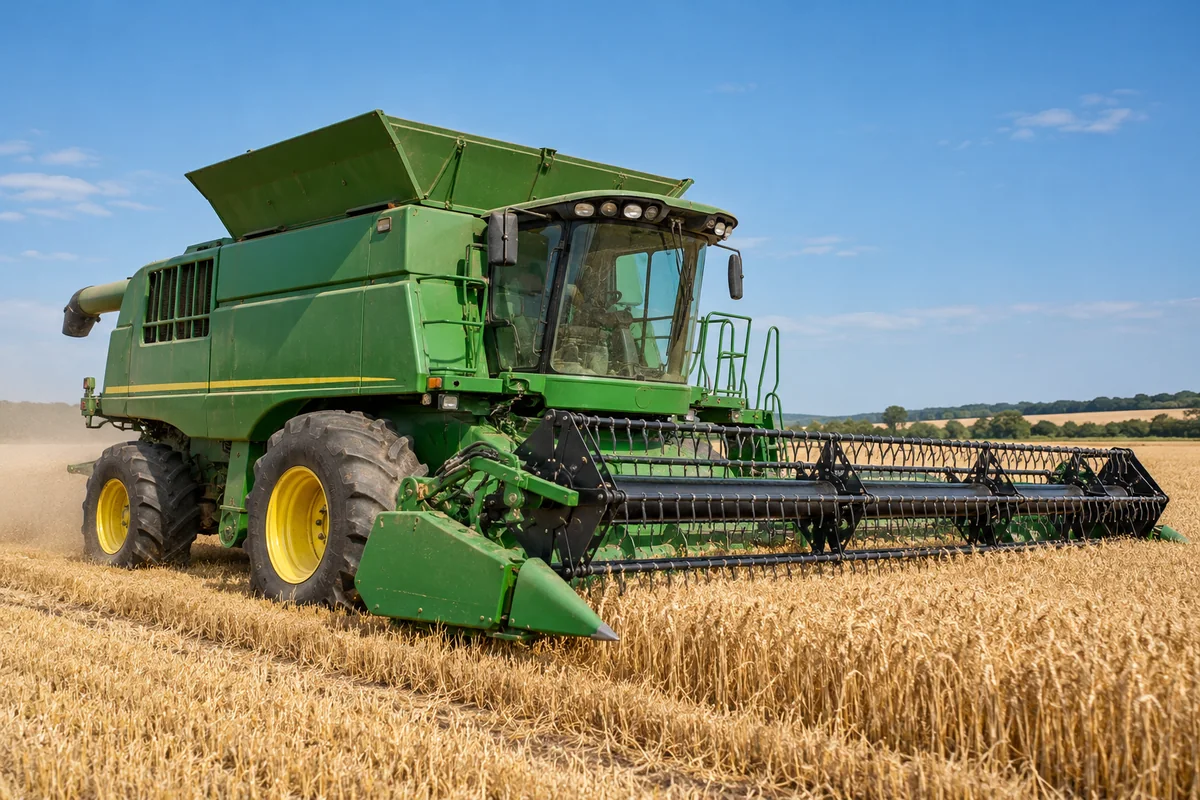
Diagnostic applications for tractors, harvesters and supported implements. Confirm the system and the required operation for your machine.
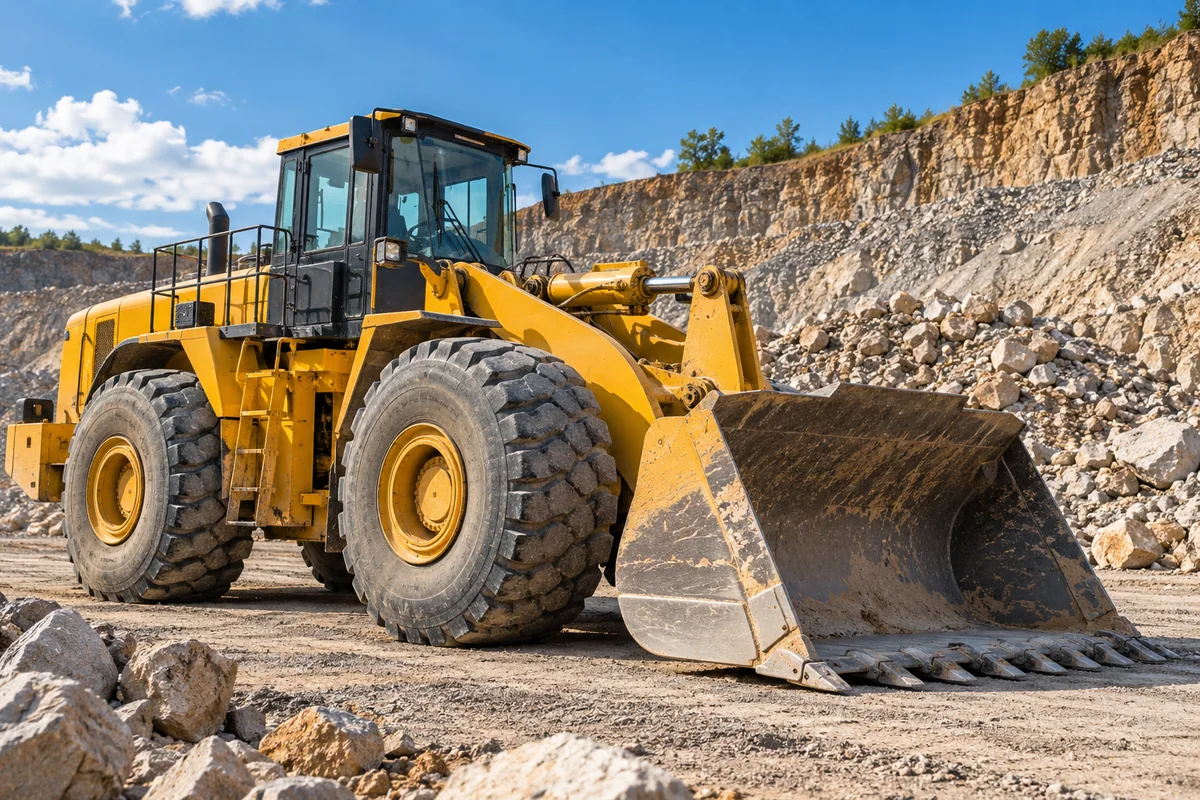
Supported regeneration, cylinder tests and injector functions for construction machines and stationary engines.
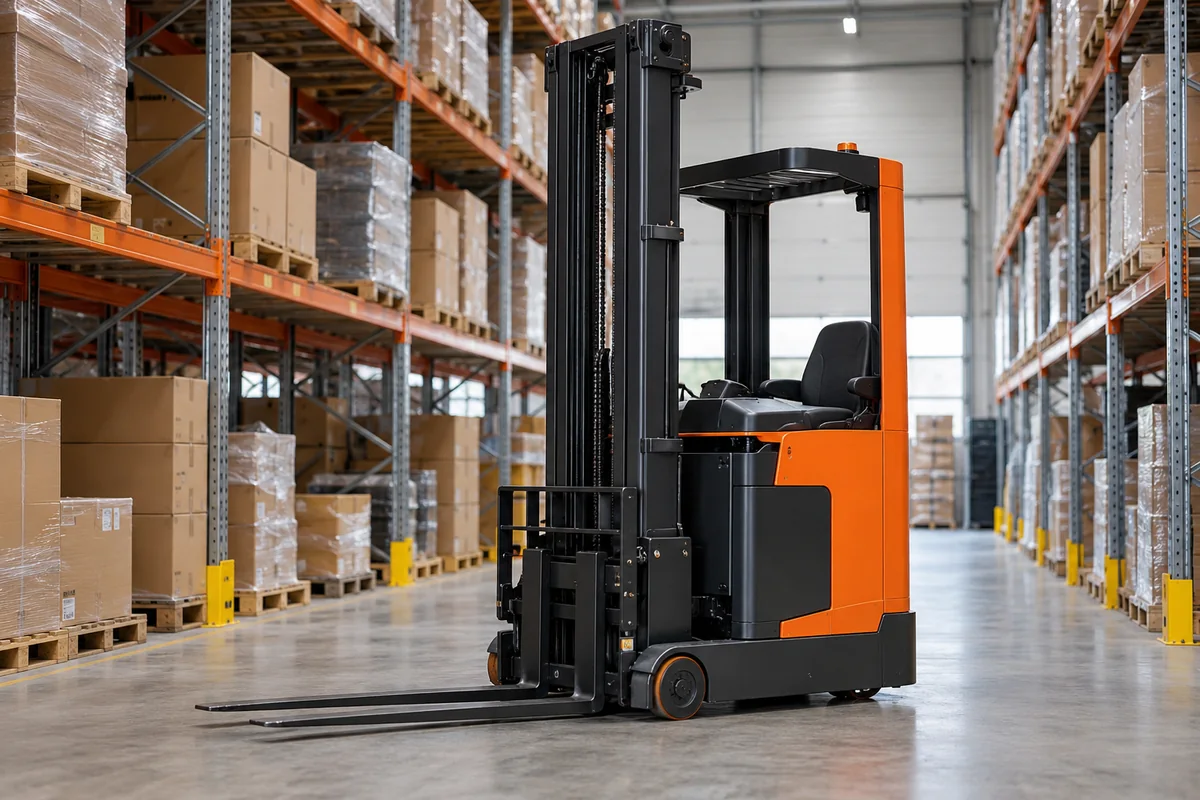
Applications may include diesel, LPG, gas and electric equipment. Supported tasks may include aftertreatment resets, injector and hydraulic calibrations.
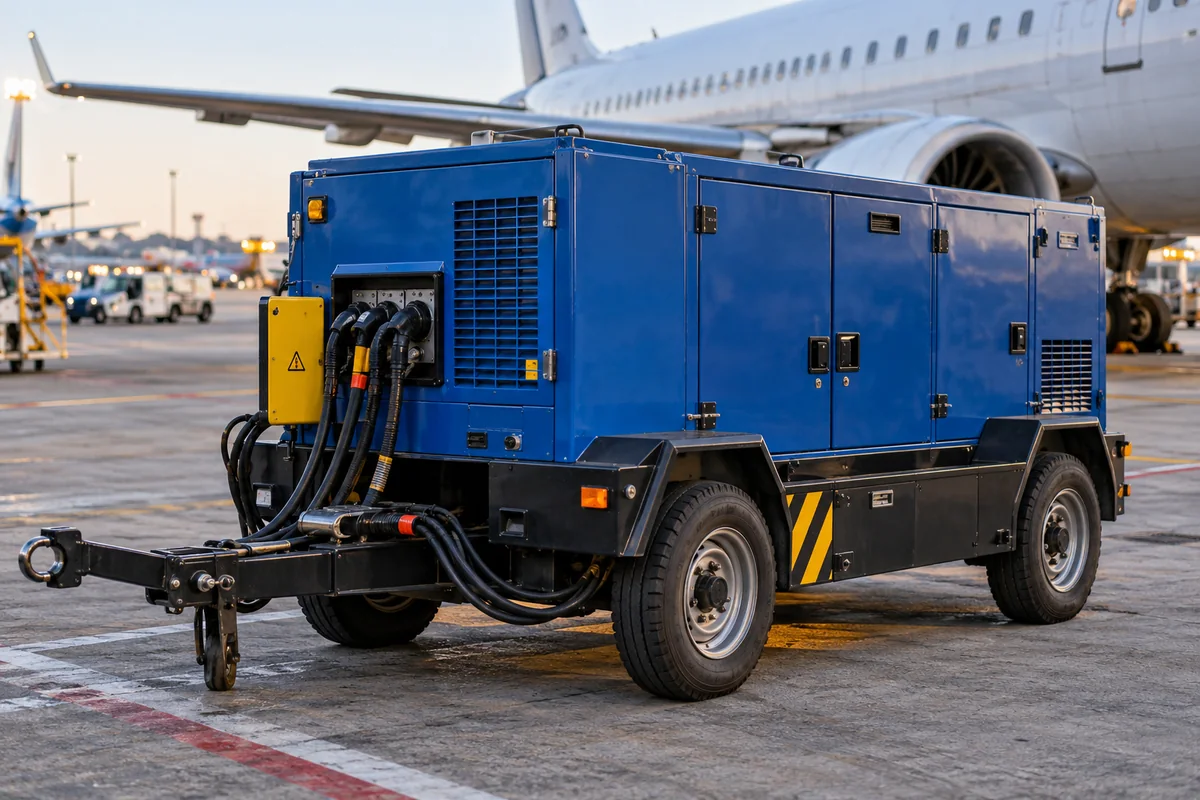
A dedicated coverage category for listed airport equipment. Send the specific equipment and function to confirm available diagnostic operations.
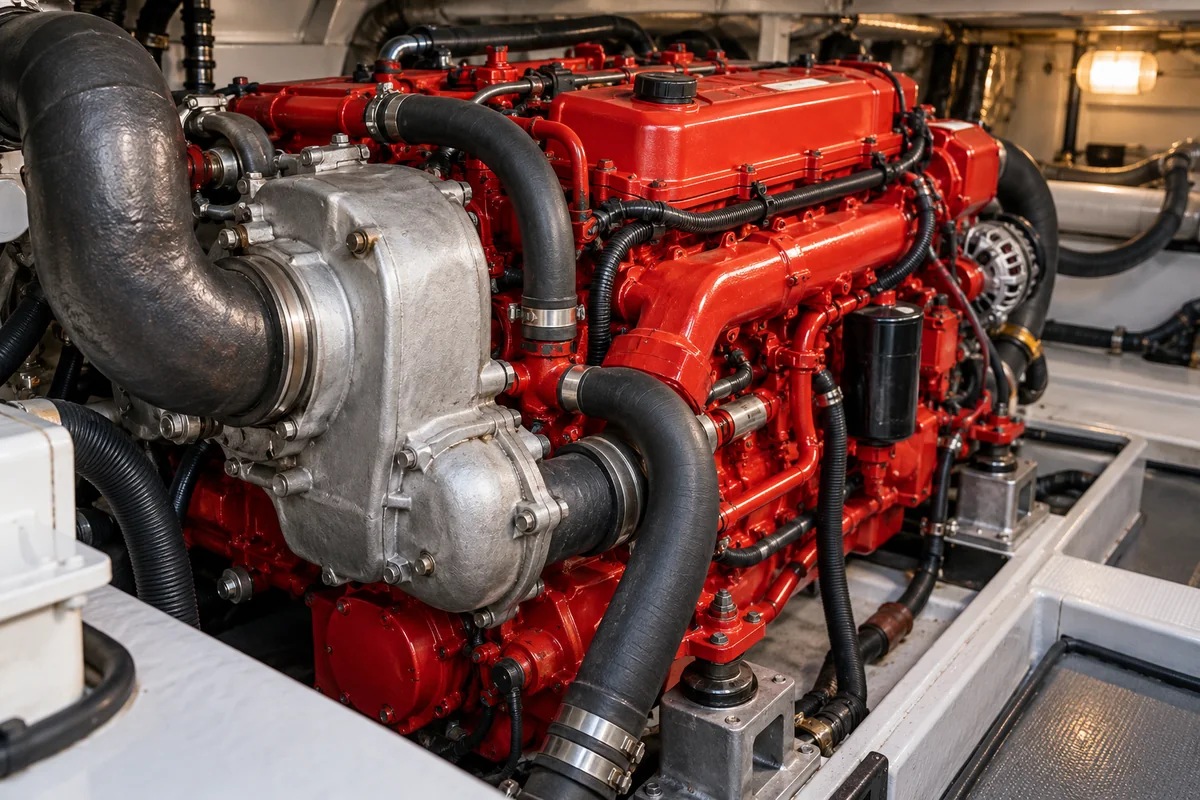
Diagnostic applications for inboard engines, outboards and personal watercraft, with available technical or service information depending on the configuration.
A good diagnosis begins before connection
Model names can cover different engines, control units and connector arrangements. We check your intended function alongside the vehicle details.
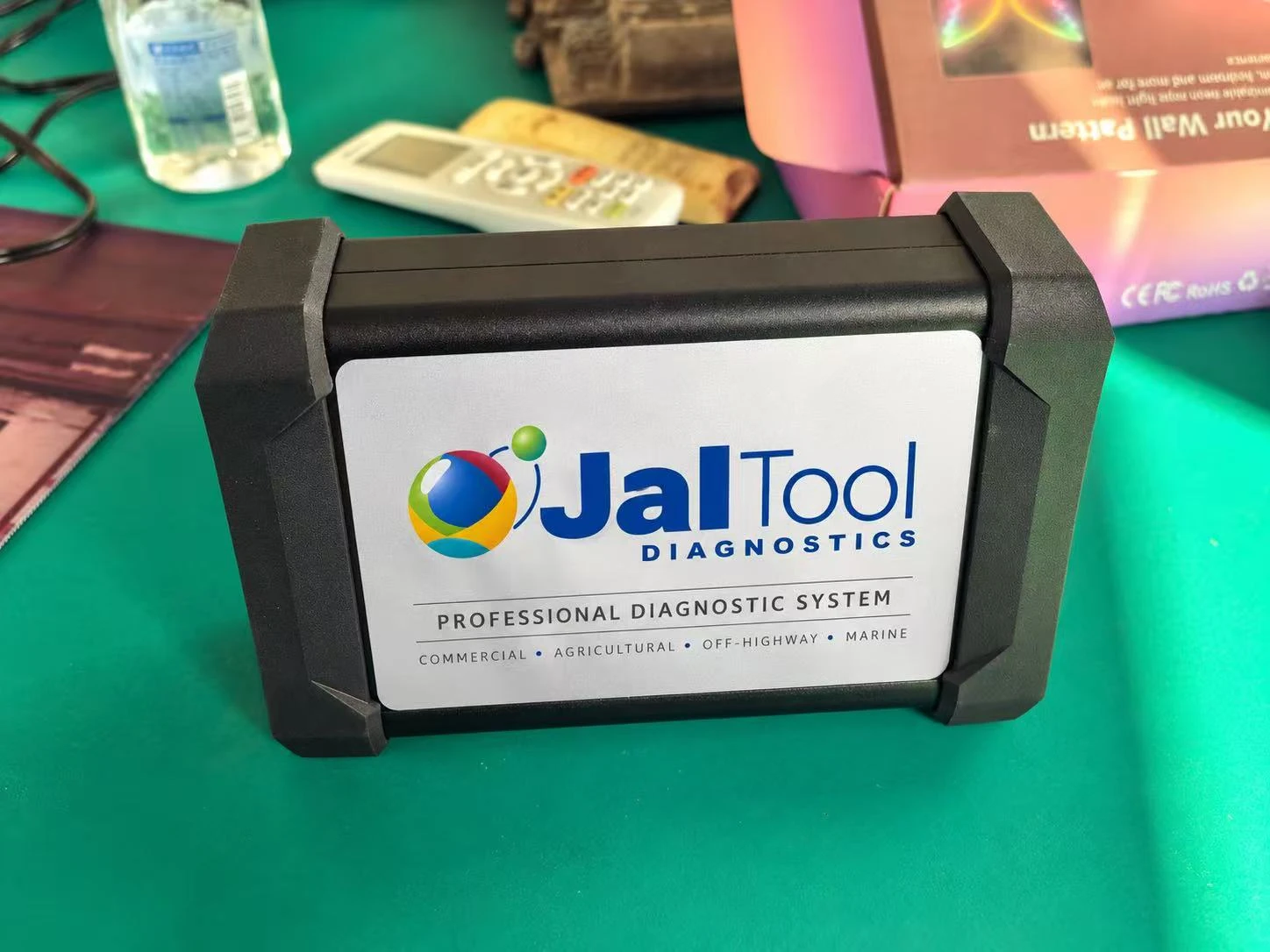
Send your equipment details and the functions you need. Start with a compatibility check, then choose your package.
Feature artwork uses original mint-and-ivory concept illustrations without people. Equipment scenes are category illustrations. These images explain diagnostic topics; they are not software screenshots or promises of a particular supported procedure. Confirm the actual vehicle, ECU, software and activation before ordering.