Published by the JalTool Official Website.
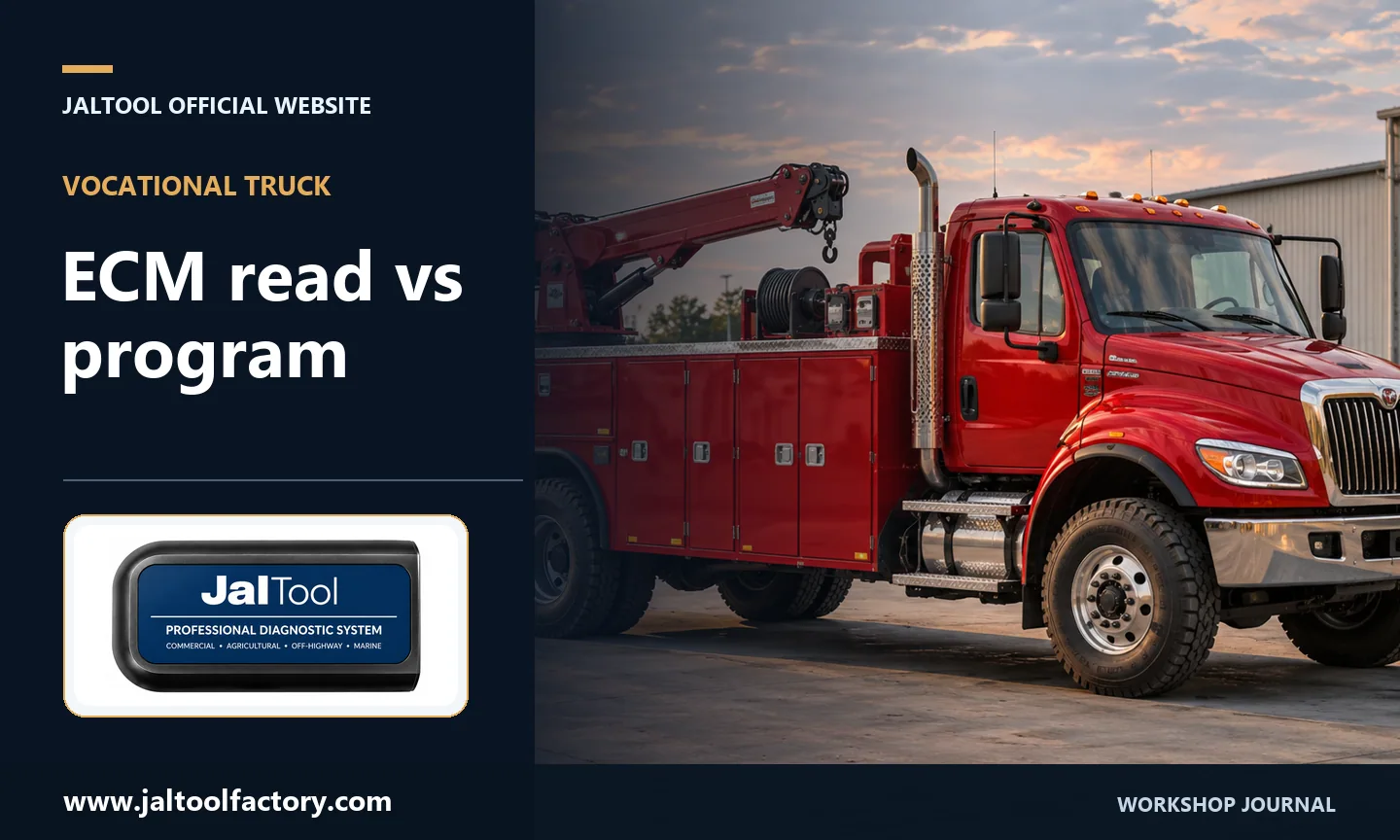
Reading ECM identification and programming an ECM solve different workshop problems. A diagnostic scan can help document which controller is installed and how it is responding. Software installation or an OEM-controlled setup requires the exact approved procedure, access and recovery plan for that module.
Define the expected final state
A read-only identification job ends with a record of the module's identity, fault status and software or part references when available. A configuration task ends with a verified set of settings. A programming task ends with the controller operating on the required approved software and passing the prescribed checks. Write down which outcome the vehicle needs.
Decide when to hand off
If a quote says “ECM functions,” ask what it means for the vehicle in front of you. Request the scope of read, supported service and OEM-controlled actions separately. Before making any approved change, establish the correct source of instructions and a recovery or escalation path if the process cannot complete.
| Item | Observation to save | Decision it supports |
|---|---|---|
| Identify | Read module ID, hardware and software information if available | Use for intake and comparison |
| Configure | Name the parameter and approved procedure | Confirm write access and verification requirements |
| Program | Identify the approved software route and prerequisites | Assign to the properly equipped technician |
Workshop example
A customer asks for an “ECM reset” after a module replacement. The intake sheet separates identifying the new module from transferring configuration and any required manufacturer programming. The shop can quote the verified steps instead of promising an ambiguous reset.
Check JalTool compatibility
Ask JalTool about the exact read or service action listed for the controller. If software programming is the objective, verify the approved OEM path before making a purchase decision.
Start with the JalTool vehicle coverage directory or send a compatibility inquiry. Related guide: Choose diagnostic hardware and activation.
Common question
Does an ECM identification screen mean the tool can flash that ECM?
No. Reading identification and loading software require different support and access. Confirm the precise procedure.
Reference: SAE J1939-73 diagnostic services.
Product information and direct assistance at jaltoolfactory.com. Equipment and third-party names identify applications; they do not imply endorsement.
← More workshop guides