Published by the JalTool Official Website.
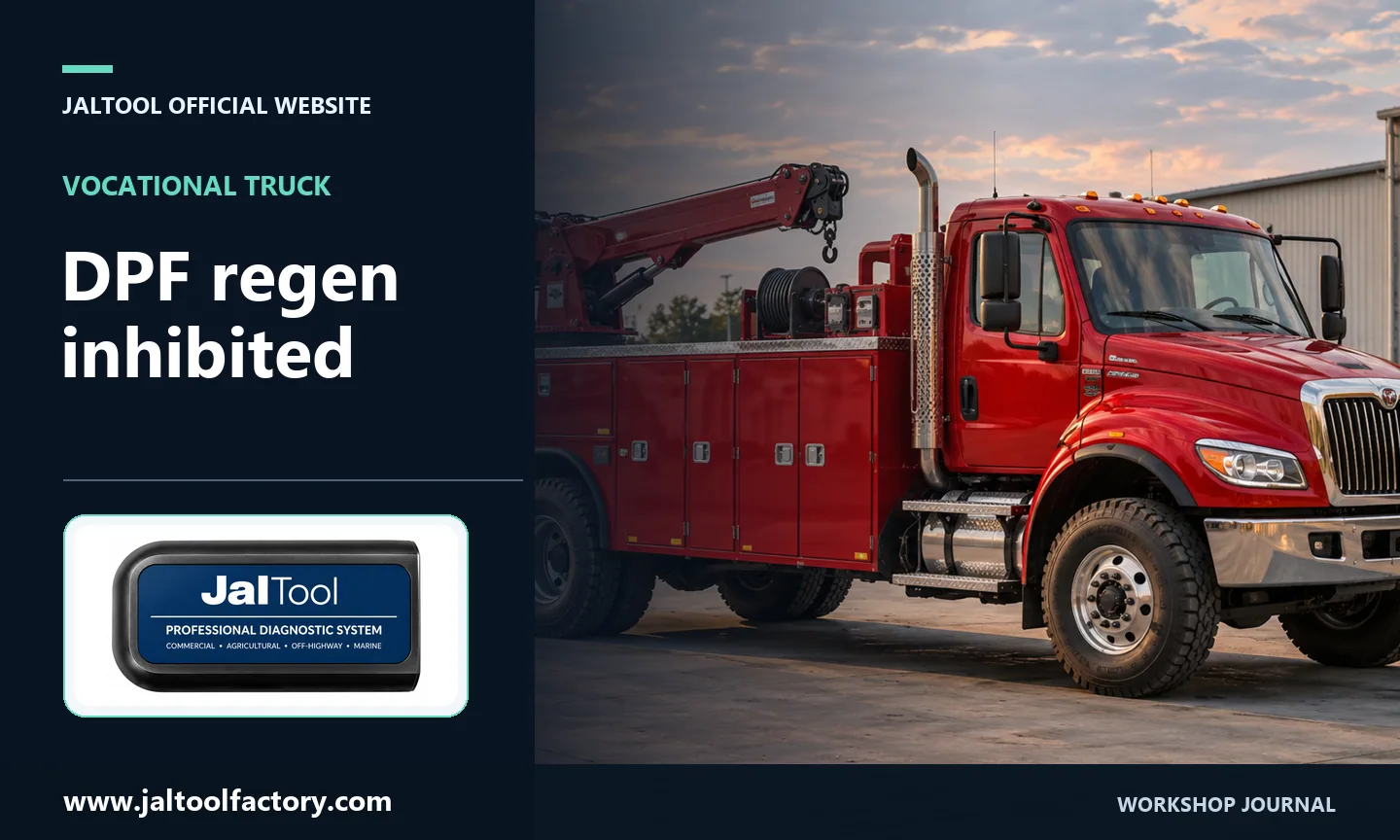
If a parked DPF regeneration request is refused, first record the status and reason the controller presents. An inhibited request, an accepted request that stops partway through, and a request the scanner cannot send are different cases. Retrying without that distinction can erase the most useful clue.
Read the decision the ECU is reporting
Capture the operator message, active aftertreatment codes and the available permit or inhibit channels at the time of the request. Where the tool presents only an overall status, use the engine manufacturer's service information to identify what can be confirmed. Do not infer a missing prerequisite from a generic dashboard icon.
Distinguish a request from a completed procedure
Record whether the controller acknowledged the request and whether the state ever changed. Conditions and safe working requirements vary by application. Keep the vehicle under the manufacturer's operating and service rules, and refer cases with an unresolved active fault or unsafe environment to the designated technician.
| Item | Observation to save | Decision it supports |
|---|---|---|
| Rejected before start | Save the reported inhibit reason and active fault list | Verify the specified prerequisite |
| Started then aborted | Note the phase and conditions when the state changed | Investigate the event preceding the abort |
| Function unavailable | Check the ECU, tool activation and supported service operations | Use the approved procedure and application |
Workshop example
A truck reaches the shop reporting that a parked regeneration failed. The saved scan shows that the controller never accepted the request. Record that outcome explicitly; diagnosis now starts with the refusal and the reported prerequisite rather than with an assumption about the filter.
Check JalTool compatibility
When checking JalTool, specify whether the job requires reading regeneration status, viewing an inhibit reason or requesting the procedure. Ask which of those is supported on the installed controller.
Start with the JalTool vehicle coverage directory or send a compatibility inquiry. Related guide: Fault codes, live data and actuator tests.
Common question
Does a fault-code reader necessarily support parked regeneration?
No. Requesting a service procedure and reading codes are separate capabilities. Confirm the exact engine ECU and service operation.
Reference: Cummins diesel particulate filter overview.
Product information and direct assistance at jaltoolfactory.com. Equipment and third-party names identify applications; they do not imply endorsement.
← More workshop guides