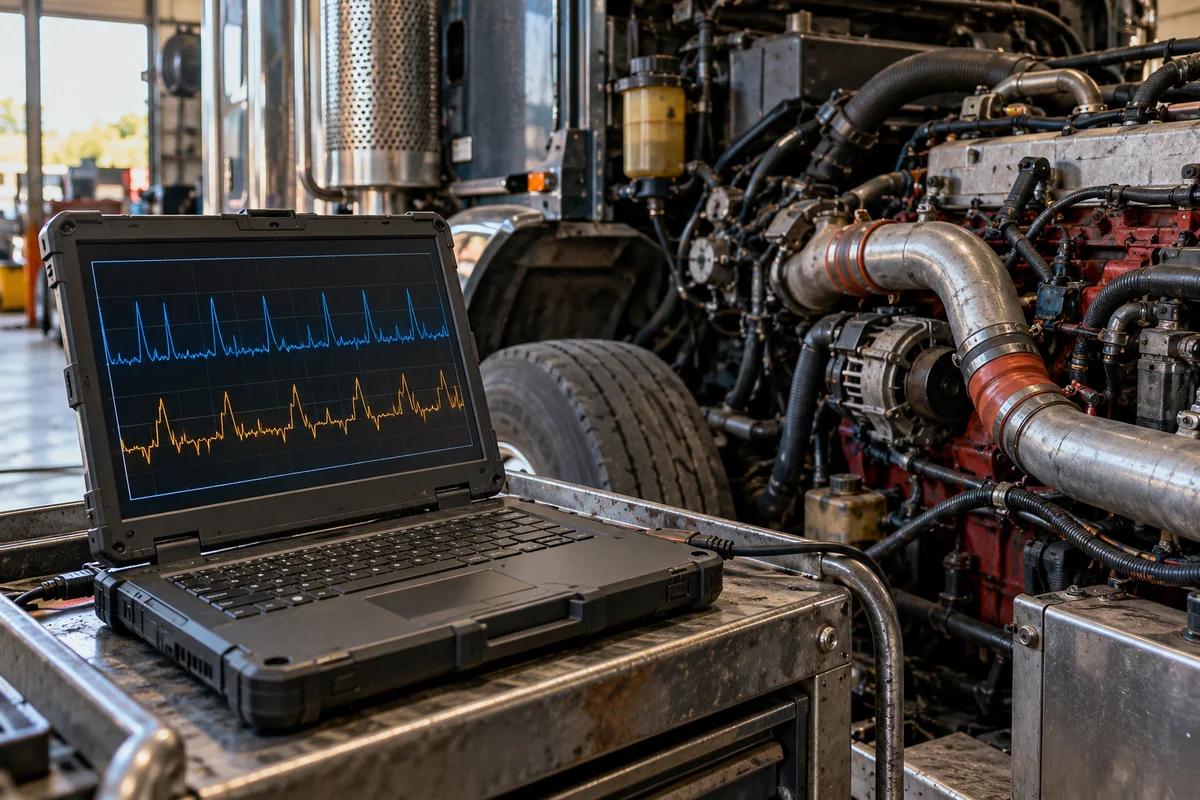
A screen full of measurements can look impressive while answering very little. Live data becomes useful when each selected channel contributes to a defined question and the record explains the conditions in which the values were captured.
This JalTool official workflow guide provides a reusable capture format. It does not supply universal pass values: acceptable ranges and approved test conditions come from the service information for the actual vehicle and controller.
Write the question before selecting channels
Start with a sentence such as, “Does the reported input change when the complaint occurs?” or “Does the commanded state differ from the reported response?” The question determines the channels and operating conditions needed.
Avoid choosing every available value by default. Too many unrelated channels make it harder to see the event and may produce a report nobody can interpret later. Select a small group with a clear relationship to the symptom.
Use this capture record
| Field | What to record |
|---|---|
| Application | Vehicle, engine and ECU identity |
| Question | The observation the test is intended to resolve |
| Channel | Exact displayed name, not a shortened recollection |
| Unit | Unit and any scaling shown by the software |
| Condition | Engine or machine state and relevant procedure step |
| Time or event | When the complaint or change occurred |
| Result | Observation, comparison and remaining uncertainty |
If export or recording is unavailable, make a clear manual record of the displayed information. Do not promise a file format or plotting feature that has not been confirmed in the supplied configuration.
Distinguish command, feedback and physical measurement
A requested state, an ECU-reported value and an independently measured result are different evidence. Label them accordingly. A controller can issue a command without the physical component achieving the intended result, and a sensor value can require its own plausibility check.
Use the applicable service method to decide what comparison is meaningful. A value from another vehicle, a different sensor range or an unrelated operating condition is not automatically a valid reference.
Capture the event without creating another risk
Define who controls the equipment and who observes the data. Follow the approved test conditions and use an appropriate environment. Do not operate machinery while distracted by a laptop or improvise a road test to reproduce a complaint.
If the symptom cannot be reproduced safely, record that limitation and plan a suitable next step. An honest incomplete result is more useful than a confident conclusion based on unrelated idle readings.
Interpret the result in a short conclusion
Write what changed, what remained stable and how the observation affects the next diagnostic step. Keep facts separate from hypotheses. “The displayed input remained unchanged during the reported event” is an observation; “the sensor is defective” requires additional evidence.
Retain the original capture with the job reference. A later repair verification is easier to assess when it uses the same relevant channels and documented conditions, rather than a different selection with no explanation.
Confirm the available measurements
Check the exact ECU’s measurement indicators in vehicle coverage and use the function annotations. Some column labels describe technical information rather than every live data channel a workshop might expect.
Ask JalTool official support about a channel or operation that is essential to your purchase. The features page explains the overall function families; the installed ECU and supplied activation determine the application-specific answer.
Product information and direct assistance at jaltoolfactory.com. Equipment and third-party names identify applications; they do not imply endorsement.
← More workshop guides