A no-communication message describes an unsuccessful diagnostic connection. It does not, on its own, prove that the controller is defective. Application selection, connector, equipment state, power and network conditions can all be relevant to the investigation.
This JalTool official guide explains what to record before requesting help. It intentionally avoids universal pin assignments or network resistance values: those must come from the correct vehicle wiring and service information.
Understand what the protocol name tells you
SAE J1939 is a family of heavy-duty vehicle networking standards. Its diagnostics application layer describes diagnostic messages and services. That provides a communication framework; it does not establish every proprietary function, supported connector or access permission for a particular diagnostic product.
For the standard’s own scope, see SAE’s J1939 diagnostics description. Use it as protocol background, not as proof that your selected ECU and requested routine are supported by a given tool.
Create a connection record
| Field | Useful evidence |
|---|---|
| Equipment | Manufacturer, complete model, year and engine |
| Controller | Installed ECU identification and selected application |
| Physical connection | Identified interface, adapter and actual connector |
| Equipment state | Relevant ignition, power and procedure conditions |
| Result | Exact message, timing and which systems responded |
| Recent changes | Repairs, battery events or controller replacement |
Keep photographs focused on labels and connectors. Do not include passwords, payment details or unrelated operational information in a support request.
Separate three different communication paths
There is the computer-to-interface connection, the interface-to-vehicle connection and the diagnostic session with the selected ECU. Identify which stage succeeded and where the failure occurred.
An interface recognized by the computer does not establish a working vehicle session. A responding engine ECU does not establish that a separate braking or machine controller is accessible. Recording these distinctions avoids replacing an entire communication chain with the vague statement “the tool does not work.”
Use the wiring information for physical checks
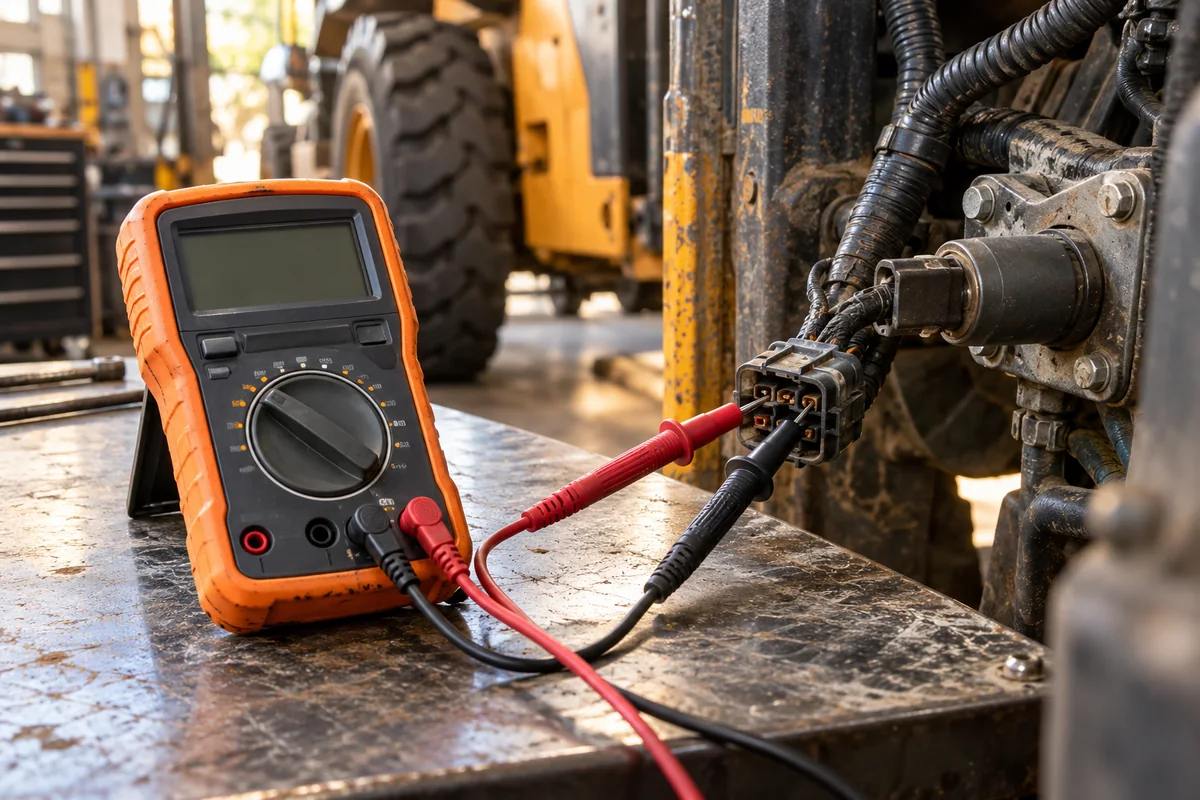
Follow the approved service method for power, ground, connector and network investigation. Do not bridge terminals, apply power to an unidentified pin or bypass a gateway to make a connection. Connector shape alone is not enough to establish pin assignments or voltage suitability.
If a vehicle has a secured or separately authorized diagnostic path, confirm the legitimate access process. A communication-standard label should never be treated as permission to defeat a security control.
Change one justified variable at a time
When the service procedure calls for a change, record the original state, the action and the result. Randomly trying different vehicle selections or unknown cables can make the eventual result difficult to interpret and may create additional risk.
If the correct application still does not respond, preserve the exact messages and the checks completed. A support technician can use that record to distinguish selection, physical connection and controller-specific questions.
Confirm the diagnostic capability separately
Use vehicle coverage to identify the installed system and Contact to request its required operations. Ask JalTool official support about both the connection arrangement and function availability. Establishing communication is an important step, but the useful purchasing question is whether the confirmed configuration can perform your actual task.
Product information and direct assistance at jaltoolfactory.com. Equipment and third-party names identify applications; they do not imply endorsement.
← More workshop guides