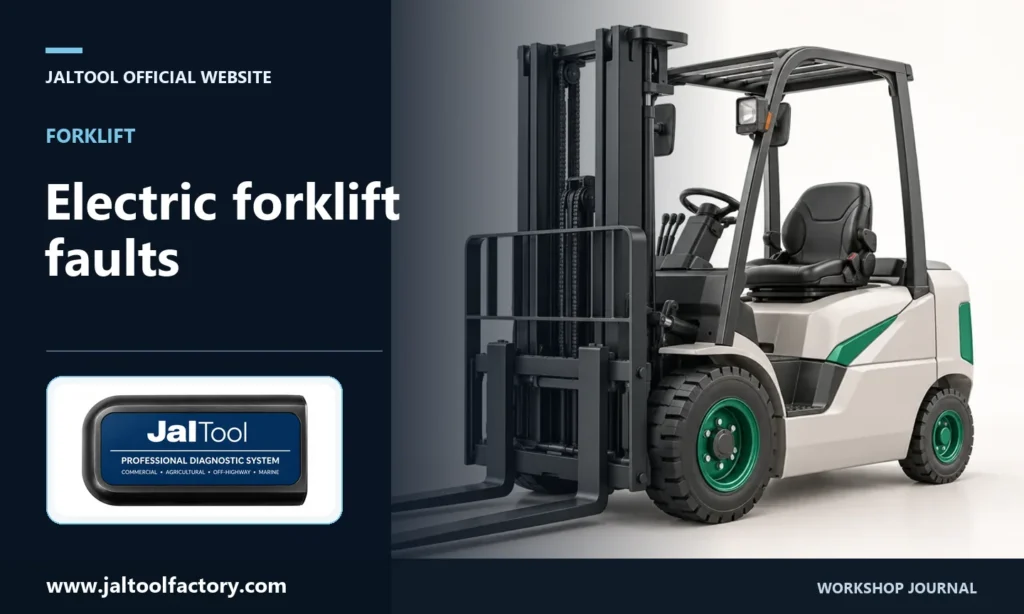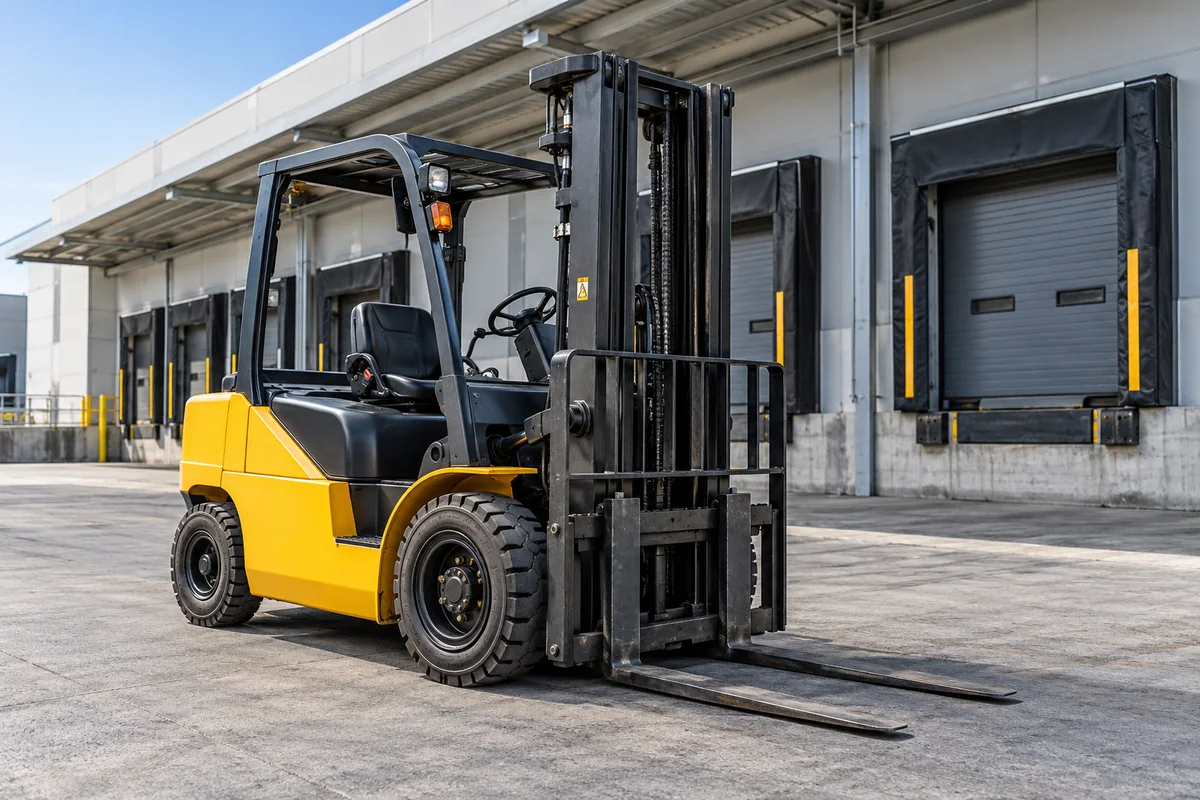
Material-handling fleets can include electric, diesel and other powertrain configurations. A forklift model designation alone may not identify its traction electronics, engine ECU or machine controller, and a function on one configuration should not be transferred to another.
This JalTool official application guide provides a practical information checklist for a forklift diagnostic job. It is intended for qualified service planning and does not authorize operation or testing outside the manufacturer’s safety requirements.
Start with powertrain and controller identity
Record the full machine model, serial or identification number, powertrain type and production information. Where available, include engine identification for an engine-powered truck and the installed controller references for an electric machine.
Do not assume that an industrial battery, traction controller or lift controller uses the same access method as an engine ECU. Obtain the correct service information and connector identification. Electrical systems can contain hazardous energy even when normal operation is stopped.
Divide the complaint before collecting data
| Complaint area | Identification to collect | Useful first question |
|---|---|---|
| Engine operation | Engine and ECU details | Is the specific engine system listed? |
| Travel or traction | Installed traction controller | Which faults and measurements are accessible? |
| Lift or machine function | Machine or hydraulic controller | Is the required operation confirmed? |
| General warning or communication | All affected system identities | Which controllers respond and which do not? |
A common manufacturer badge does not mean all systems have identical coverage. The material-handling directory is an application starting point; inspect the individual ECU record.
Preserve the interlock and operating context
Record relevant displayed conditions without bypassing seat, restraint, travel or other safety interlocks. A machine refusing a command may be responding to an unmet condition rather than suffering from a failed controller.
Do not defeat an interlock to make a test proceed. Follow the manufacturer’s approved diagnostic steps and distinguish an observed input state from a conclusion about the physical switch or circuit. The evidence should lead to an appropriate next check.
Plan the test environment
Use an authorized service area with the required isolation, exclusion and load-handling arrangements. The exact setup depends on the operation and machine instructions. A lift or traction command is not a harmless demonstration simply because it starts from a laptop.
Before any active test, identify what could move, who controls the test and how the procedure is stopped. Keep unauthorized personnel away. If those conditions cannot be met, limit the work to the approved information-gathering stage.
Make the report useful for the next shift
Record the controller selected, initial fault information, observed conditions, checks completed and final state. Add anything that was not tested. If the machine remains restricted from service, make that clear through the workshop’s normal process.
A report that says only “connected successfully” misses the practical question: could the tool access the required system and provide the information or supported operation needed for this job?
Confirm the package and connector together
Material-handling coverage is part of Ultimate in the current package comparison. Category inclusion does not automatically establish the exact traction or lift operation.
Send machine and controller identification photographs, connector details and the precise task to JalTool official support. Keep the compatibility reply with the quotation. That creates a clear record of the application being discussed and avoids relying on a generic promise about all forklifts.
Product information and direct assistance at jaltoolfactory.com. Equipment and third-party names identify applications; they do not imply endorsement.
← More workshop guides