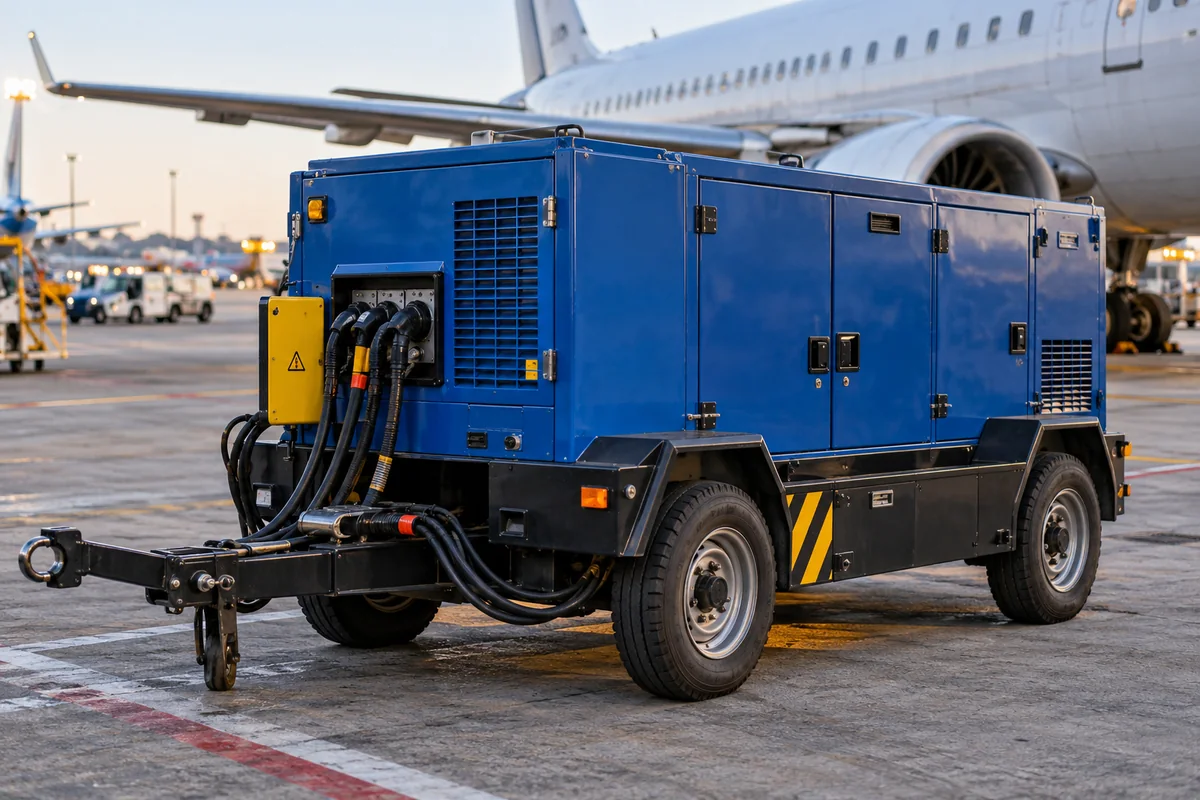
Ground support equipment covers very different machines, from support vehicles to specialized units with their own working systems. The diagnostic question is therefore more specific than whether a brand or airport application appears in a catalogue.
This JalTool official guide explains how to prepare a useful equipment inventory and compatibility request. Airport operating rules, isolation requirements and the equipment manufacturer’s procedures continue to govern the work.
Identify both the machine and its working equipment
Record the complete unit model, identification number, engine and controller details. If the chassis and working system come from different suppliers, preserve both identities. Include any replacement controller or major configuration change that affects the machine now in service.
A controller attached to a specialized working system should not be treated as an ordinary chassis ECU merely because it uses a similar connector. Ask what system the diagnostic connection actually reaches.
Create an equipment-specific information sheet
| Record | Example of useful detail | Why it matters |
|---|---|---|
| Unit identity | Full model and serial reference | Avoids selecting a similar variant |
| Power source | Engine or electric-system identification | Defines the application being checked |
| Working system | Controller reference and function | Separates the machine’s specialized equipment |
| Required task | Exact fault, measurement or routine | Prevents a general coverage promise |
| Operating restriction | Approved location and service conditions | Keeps diagnosis within local procedures |
These fields should describe the actual unit. They are not a request to disclose airport security information or unrelated operational data.
Plan work away from active service demands
Agree where the unit can be inspected and who can authorize its removal from service. Keep diagnostic work separate from aircraft servicing or other active operations unless an approved procedure specifically governs it.
Before an energized test, establish the required exclusions and the condition of any connected equipment. A command intended to check a controller can still affect machinery, stored energy or an attached system. General product information cannot define the safe setup for every ground-support unit.
Separate electronic findings from serviceability
Save the initial scan, controller identification, relevant measurements and the conditions in which they were collected. An accessible ECU does not establish that every mechanical or electrical function of the unit is serviceable.
If communication fails, record which system was selected, which connector was used and what the tool reported. That information is more useful than repeatedly selecting nearby models or replacing a controller on the assumption that silence proves failure.
Define the handover record
The finished job should state the original complaint, confirmed system identity, findings, repair or adjustment completed, supported commands used and required final checks. Record unresolved faults and any restriction on operation.
For a mixed support fleet, use the same form across machines while keeping each machine’s technical limits and verification procedure separate. Consistent records reduce ambiguity; they do not make unlike equipment share the same test values.
Check the listed application before choosing a package
Ground support equipment is included in Ultimate in this website’s pricing comparison. Review the GSE application page and then the specific model record.
Ask JalTool official support to confirm the installed controller and named operation. Include the required connector and any separate service access in the quotation so the order describes the real diagnostic job rather than a broad airport-equipment category.
Product information and direct assistance at jaltoolfactory.com. Equipment and third-party names identify applications; they do not imply endorsement.
← More workshop guides