Published by the JalTool Official Website.
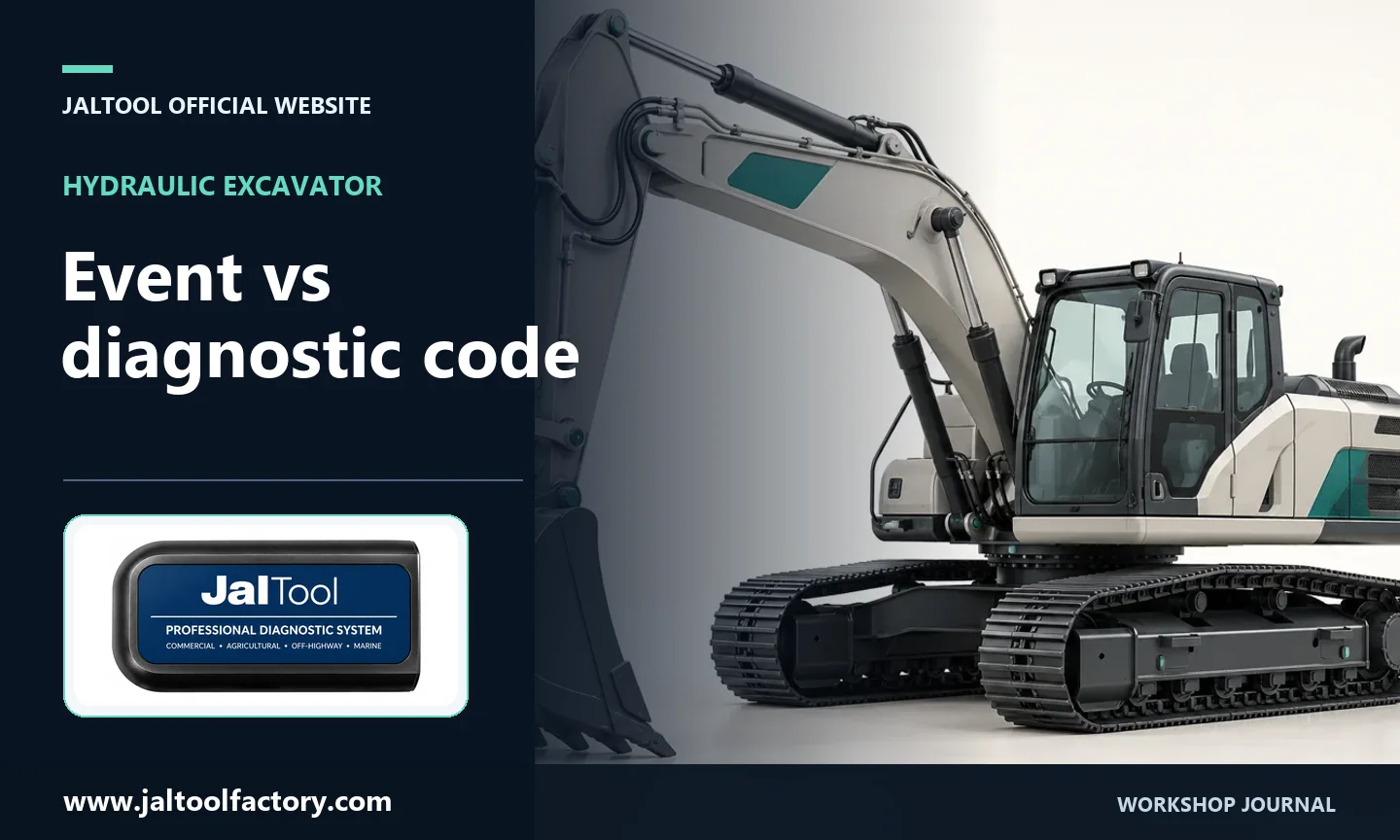
A heavy equipment scan can contain event records alongside diagnostic codes. Identify what each controller calls the entry and the conditions it represents. That distinction matters when an operator reports a warning or reduced performance that may have happened well before the current scan.
Preserve the context of each entry
Record the original label, status, hours or timestamp when present, reporting system and the operator's account. Caterpillar's hydraulic inspection guidance shows active and logged diagnostic and event records as distinct items in one equipment example. Interpret the actual record using the machine's service information.
Put the event on the work timeline
Compare the operating state with service changes and other entries. A record associated with an operating limit may point to what the machine experienced, while a diagnostic code may be useful for checking a circuit or signal. Use the descriptions and the event chronology to decide whether both observations need separate checks.
| Item | Observation to save | Decision it supports |
|---|---|---|
| Record class | Keep the exact diagnostic or event label | Use the applicable description for that controller |
| Time basis | Note hours or timestamp and any uncertainty | Compare with operator and maintenance records |
| Evidence link | Compare related readings or repeatable symptoms | Choose a specific next observation |
Workshop example
A machine has a historical event recorded before a recent service and a currently active sensor diagnostic entry. Separate them on the job sheet and ask which one fits the complaint before allocating repair time.
Check JalTool compatibility
Check whether JalTool can display the required event or diagnostic records on the exact controller, and ask which record fields are available.
Start with the JalTool vehicle coverage directory or send a compatibility inquiry. Related guide: Excavator and loader diagnostics.
Common question
Should event records be cleared during intake?
Save the intake report first. Follow the machine-specific guidance for retention and any permitted clearing.
Reference: Caterpillar hydraulic inspection and diagnostic records.
Product information and direct assistance at jaltoolfactory.com. Equipment and third-party names identify applications; they do not imply endorsement.
← More workshop guides