Published by the JalTool Official Website.
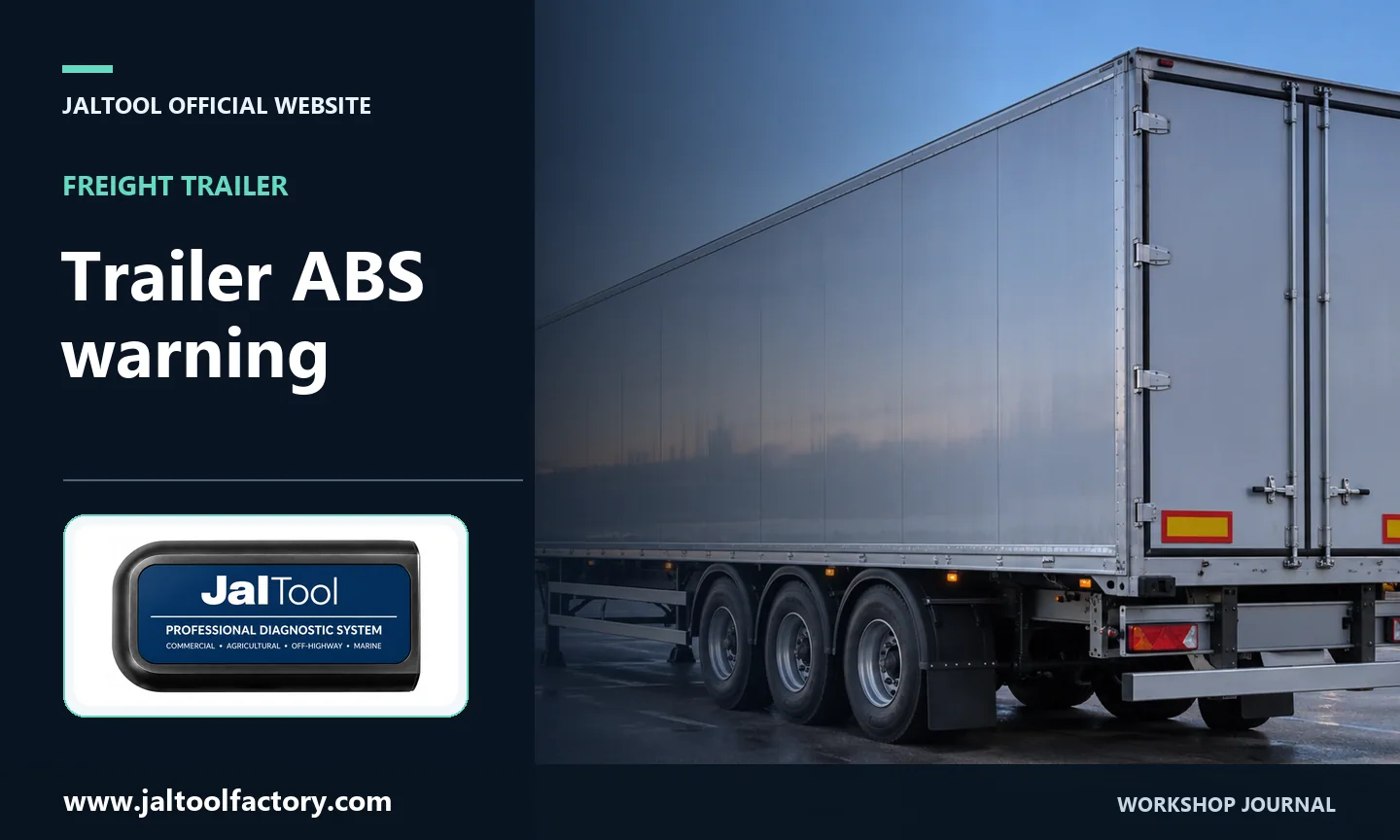
When a trailer ABS lamp stays on, identify the trailer controller and collect its own fault information before attributing the warning to the tractor. The tractor display, the trailer lamp and a diagnostic report can each describe a different observation.
Find the installed trailer system
Record the trailer identification, controller family and part number where available. A trailer built to the same specification can carry a replacement ECU or a different harness. ZF's trailer documentation illustrates why this matters: a supported trailer session can show the installed ECU, faults and wheel-speed channels separately.
Compare channels in a valid test state
Record the exact wheel position in the service documentation and its corresponding diagnostic label. An expected zero at a standstill tells you little about a complaint that occurs in motion. Plan a safe manufacturer-approved observation and save data from related positions under comparable conditions.
| Item | Observation to save | Decision it supports |
|---|---|---|
| Trailer controller | Save ECU identity and active or stored fault state | Use the manual for the fitted controller |
| Warning source | Note tractor indication and trailer lamp behavior | Separate vehicle-side and trailer-side evidence |
| Live data | Compare mapped channel names in a permitted test | Decide which circuit or input requires a check |
Workshop example
A driver says the ABS warning follows the trailer onto a second tractor. That is a useful pattern, but the workshop still needs trailer ECU identity, supply observations and the stored record before assigning the fault to a specific wheel.
Check JalTool compatibility
For JalTool, request confirmation of the trailer controller, cable and required tasks. Name the wheel-speed observation or code report you need before ordering.
Start with the JalTool vehicle coverage directory or send a compatibility inquiry. Related guide: Truck brake and ABS planning.
Common question
Will a truck ABS scan always include the trailer?
Verify the trailer connection and controller explicitly. A successful tractor ABS session by itself does not establish trailer coverage.
Reference: ZF WABCO system diagnostics and trailer tools.
Product information and direct assistance at jaltoolfactory.com. Equipment and third-party names identify applications; they do not imply endorsement.
← More workshop guides