Published by the JalTool Official Website.
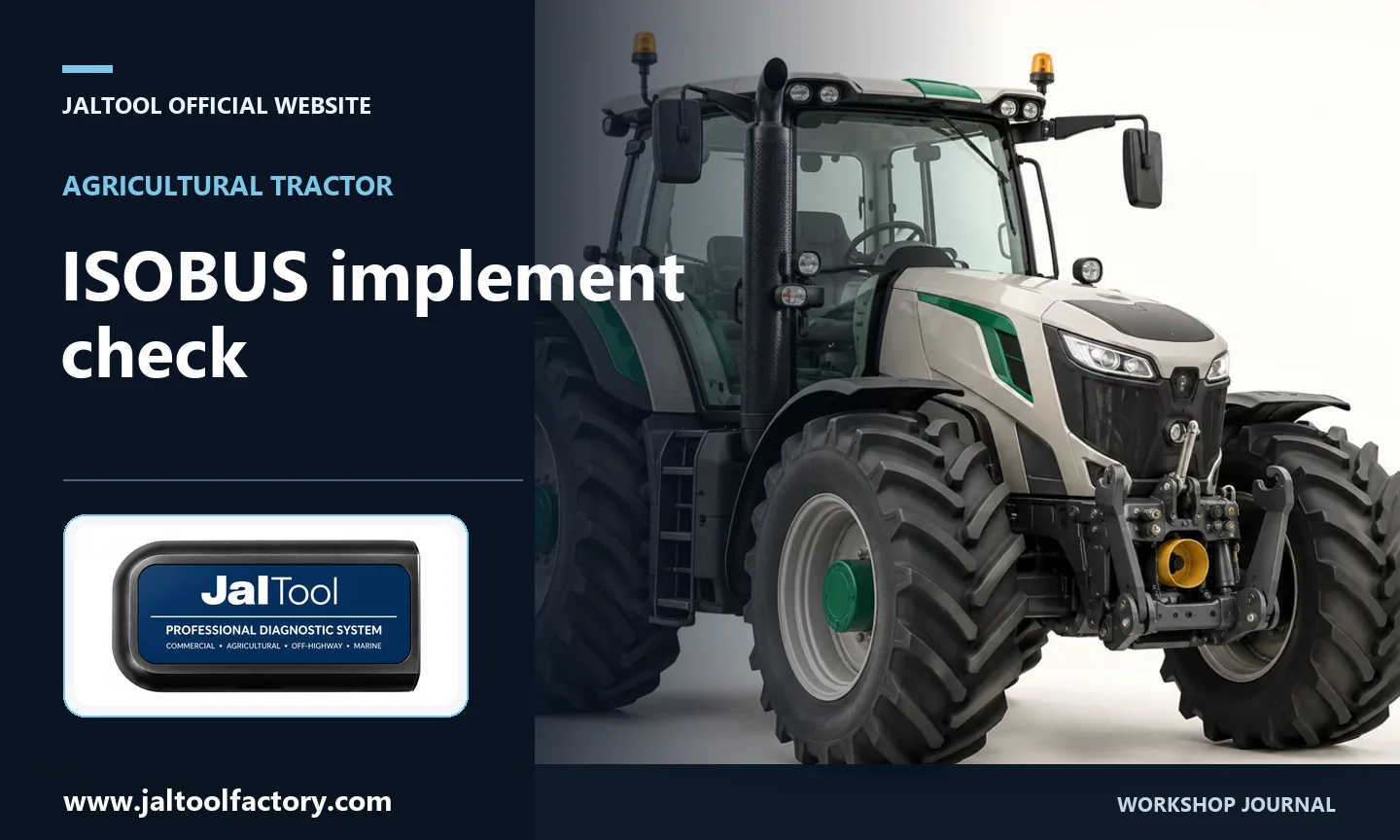
An implement that fails to appear on a tractor display can have a compatibility issue, a configuration issue or a communication issue. Start by identifying the display, tractor and implement as separate pieces. Record whether the implement is missing entirely or a particular feature is missing.
Check the exact combination
AEF's ISOBUS database organizes compatibility by products and supported functionalities. Check the combination and the intended function rather than assuming a generic ISOBUS claim includes it. Document versions where relevant and retain the implement identification from its own records.
Find the boundary of the symptom
Use approved procedures to observe whether the implement is listed by the display and whether the complaint follows the implement or the tractor in an authorized known-good comparison. Record connection and configuration observations separately. A visible implement with a missing feature points to a different question from one that never appears.
| Item | Observation to save | Decision it supports |
|---|---|---|
| Display and tractor | Record models, versions and reported device list | Confirm the display sees the relevant controller |
| Implement | Record model and desired ISOBUS functionality | Check that the intended function is listed |
| Comparison | Note where the issue follows an authorized pairing | Separate compatibility from an access problem |
Workshop example
A farm fits a different implement to the same tractor. The new implement appears in the terminal, but the operator cannot use a particular job function. Checking the exact functionality combination is more useful than repeatedly reconnecting a device that already appears.
Check JalTool compatibility
Ask separately about JalTool access to the tractor ECU and any implement-specific system. Provide the exact records rather than assuming coverage from one side.
Start with the JalTool vehicle coverage directory or send a compatibility inquiry. Related guide: Tractor and harvester coverage.
Common question
Does ISOBUS certification guarantee every tractor and implement feature?
Check the certified products and specific functionalities in the intended combination. “ISOBUS” alone is not a list of shared functions.
Reference: AEF ISOBUS Database.
Product information and direct assistance at jaltoolfactory.com. Equipment and third-party names identify applications; they do not imply endorsement.
← More workshop guides