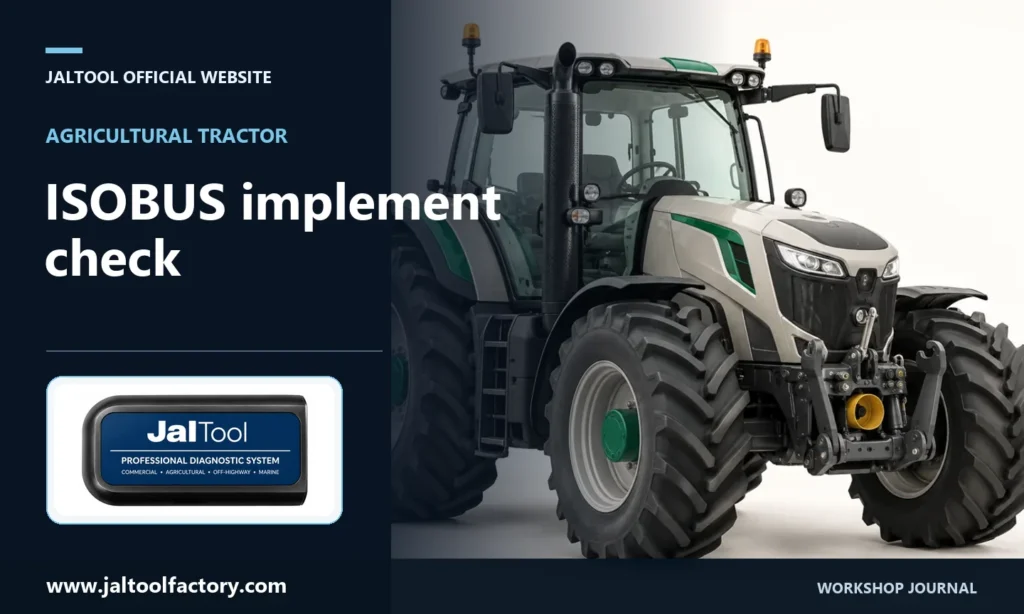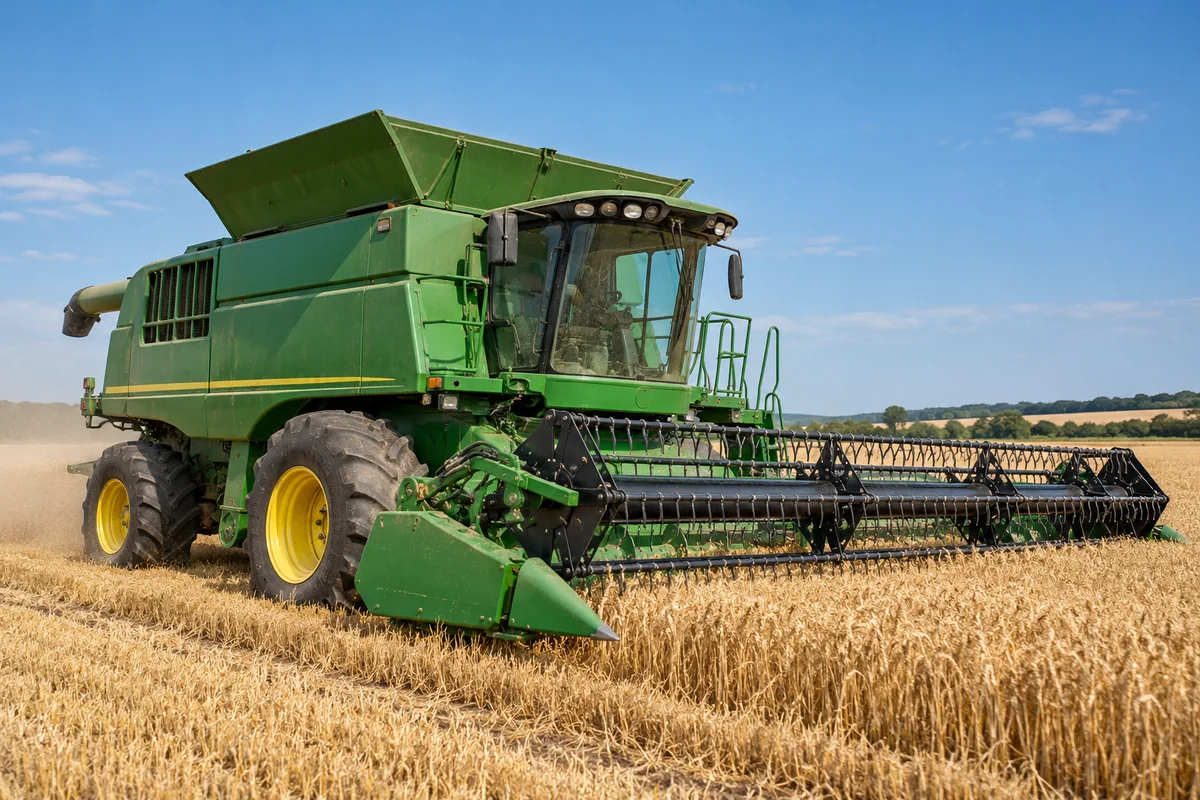
Agricultural equipment can combine an engine, transmission, implement electronics and machine-specific controllers from different suppliers. A badge on the bonnet is therefore only the beginning of a diagnostic coverage check.
This JalTool official planning guide helps a workshop prepare before a short harvesting or planting window makes every unanswered compatibility question urgent. The goal is a verified readiness list, not a claim that one tractor entry covers every attached machine.
Build a machine inventory that a technician can use
Record the full tractor or harvester designation, serial or identification number, approximate production year, engine details and controller information. For attachments or implements, keep their identification in a separate row. Include the actual task that causes downtime: investigating a warning, reading a measurement or carrying out a named supported service operation.
If a controller has been replaced, record the installed unit rather than relying only on the original build specification. A fleet spreadsheet that omits this change can repeatedly lead the workshop to the wrong coverage entry.
Separate the application layers
| Application | Useful identification | Question to resolve before the season |
|---|---|---|
| Engine | Engine family and installed ECU | Can the required faults and measurements be accessed? |
| Transmission | Transmission and controller reference | Is the specific diagnostic task recorded? |
| Machine electronics | Machine controller and software identity | Which functions apply to this variant? |
| Implement | Implement model and electronic system | Is access separate from the tractor connection? |
The presence of a general connection or a common communication standard does not establish every proprietary function. Check the machine and implement independently when both are part of the job.
Prepare the physical kit before field work
Confirm the required adapters against photographs of the actual connectors. Keep an accessory inventory with cable identification, condition and storage location. Inspect equipment according to its instructions, replace damaged items and avoid making an unverified connection merely because two plugs appear to fit.
Also plan the computer, power arrangement and operating conditions. Dirt, vibration, moisture and a difficult working location can turn a simple communication check into a delay. Use the supplied instructions and suitable workshop practices rather than treating a diagnostic laptop as weatherproof equipment.
Create a pre-season readiness test
Choose representative machines from the real fleet and agree a supported, low-risk check. Record whether the expected ECU can be identified and whether the required information is available. A successful scan on one harvester does not confirm a different controller generation.
Where a calibration or other service procedure is important, confirm its exact name and prerequisites in advance. Do not perform it solely to demonstrate that a menu exists. It may require a completed repair, specified conditions or additional equipment.
Keep a downtime information pack
For each priority machine, keep identification photos, the agreed coverage answer, connector list, recent fault record and service-information references. Add the person authorized to approve repairs and the contact who can supply missing machine details.
This pack reduces repeated questions when a field technician, workshop and operator are working in different locations. It also prevents an unverified request for “a reset” from replacing a properly described symptom and diagnostic task.
Choose activation from the confirmed fleet
Agricultural coverage is included in the Full and Ultimate packages shown on this website. Compare them against your other equipment categories rather than choosing on the tractor count alone.
Browse agricultural applications and the model directory, then send your priority-machine list to JalTool official support. Request a written answer for the operations that matter during the season and keep it with your package quotation.
Product information and direct assistance at jaltoolfactory.com. Equipment and third-party names identify applications; they do not imply endorsement.
← More workshop guides